All guides › Menu
🗂️ Add Menu Category
Create a new menu (e.g. a breakfast menu).
- Go to the Redbox platform and log in.
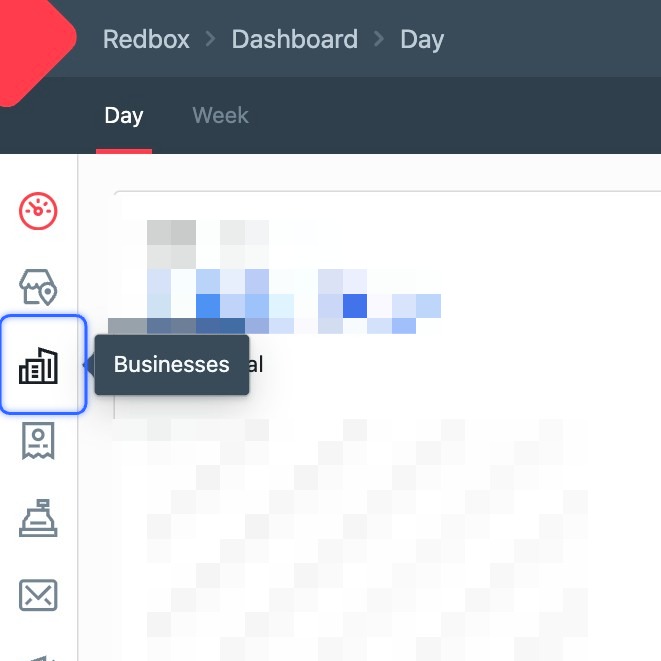
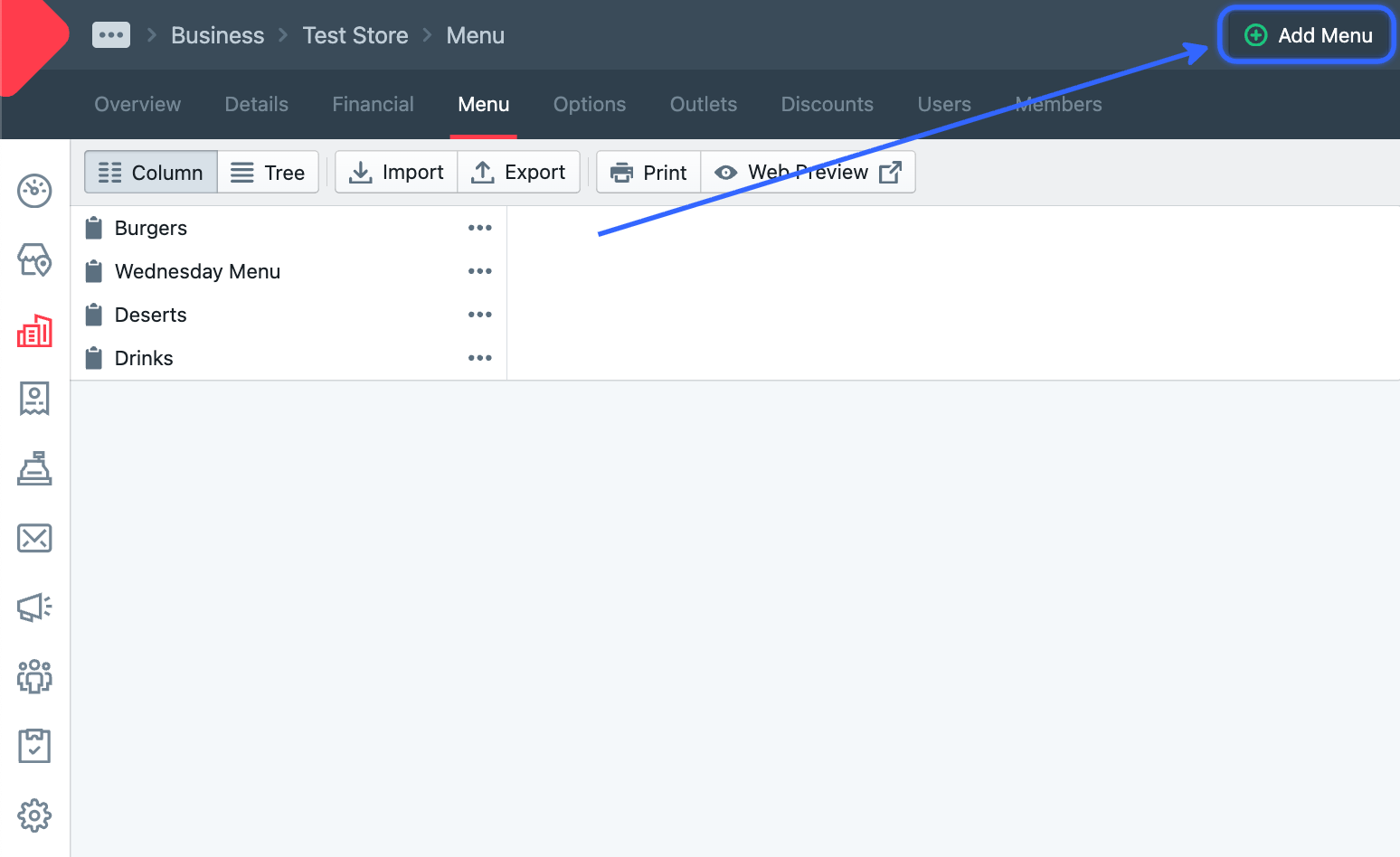
- Click Business.
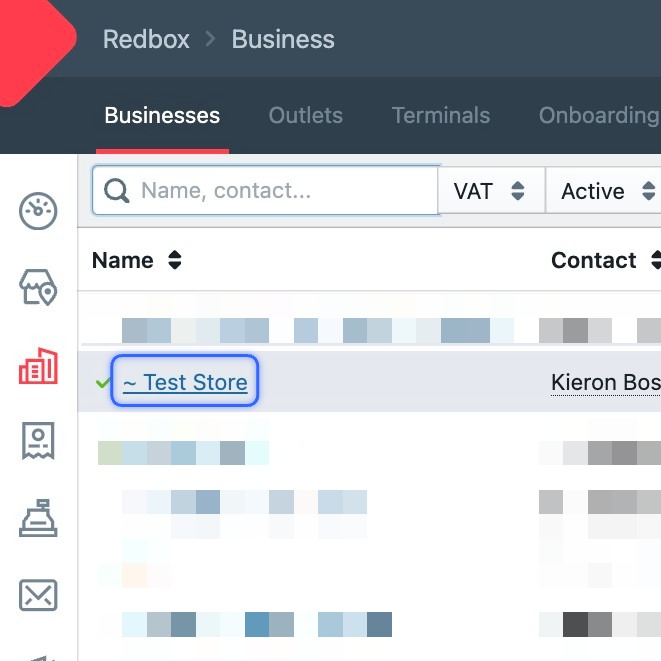
- Click your business.
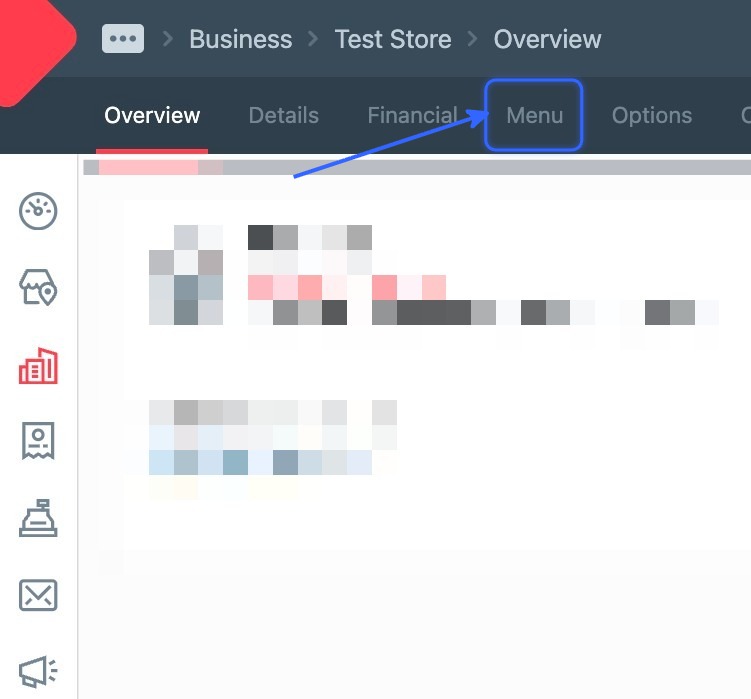
- Click Menu.
- Click Add Menu (top right).
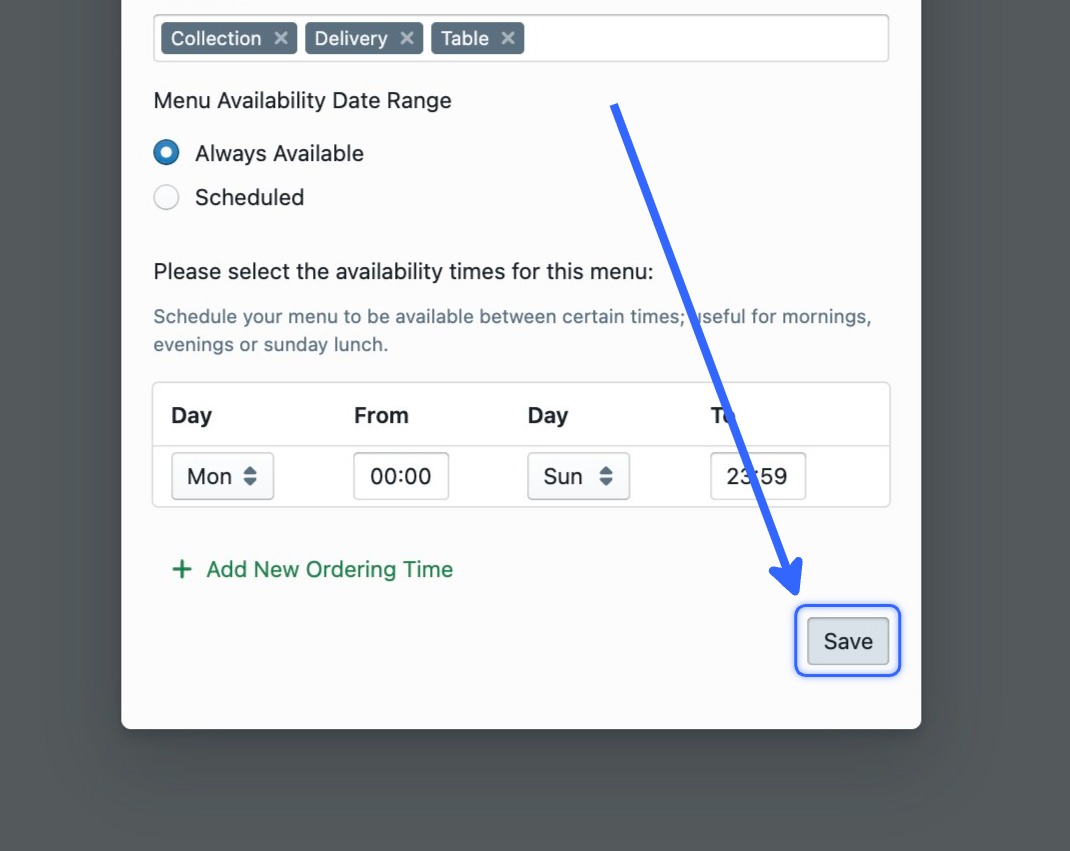
- Fill out the details — give it a name, and optionally schedule it (e.g. make it a breakfast menu).
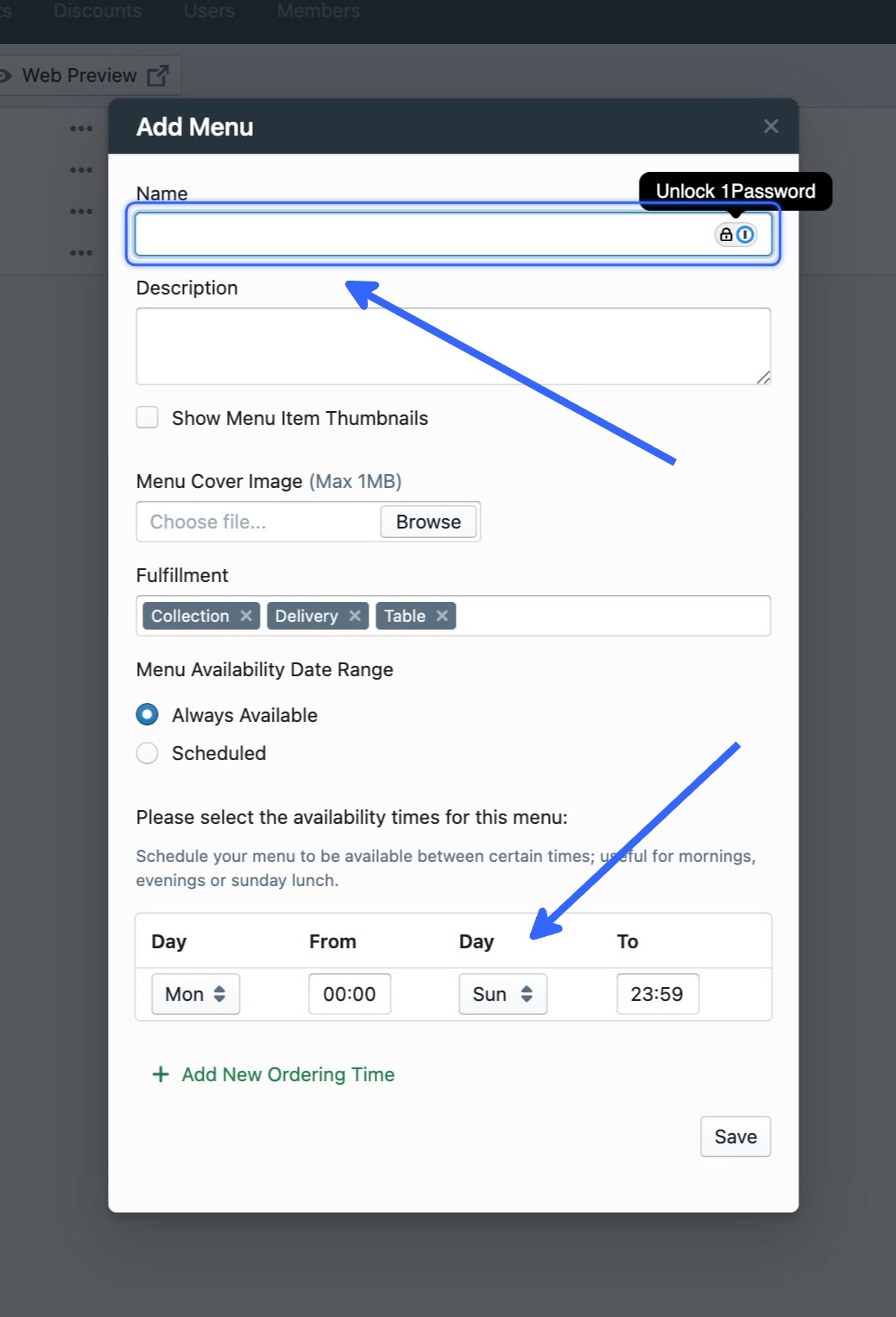
- Click Save.