All guides › Menu
🔗 Attach Menu Item Options
Add an existing option to a menu item.
- Go to the Redbox platform and log in.
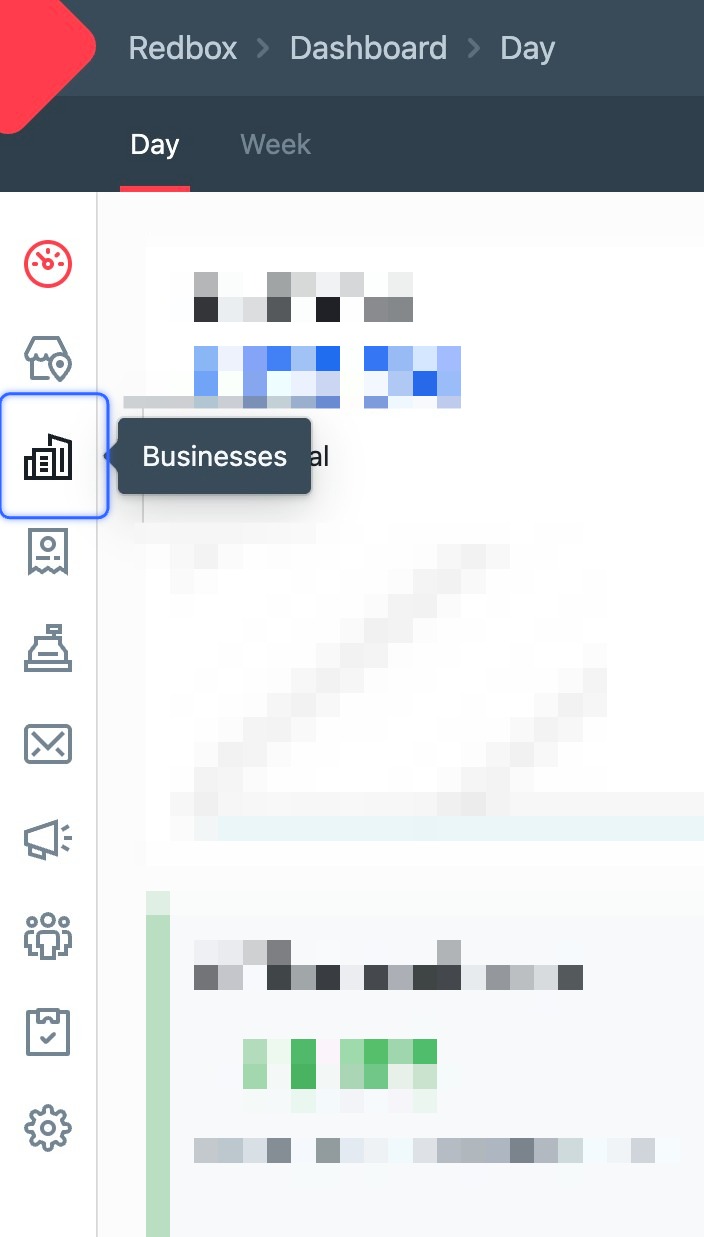
- Click Businesses.
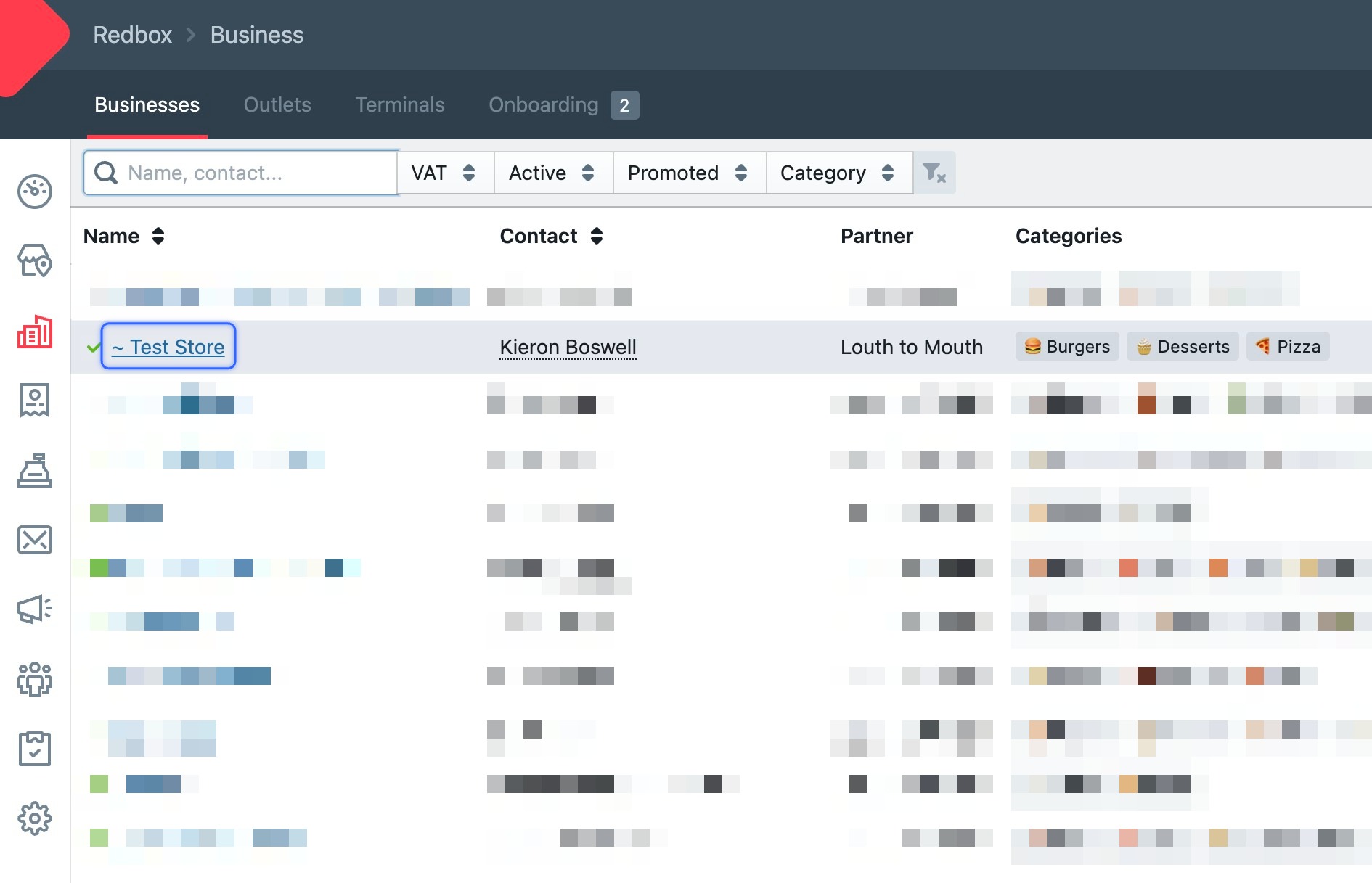
- Click your business.
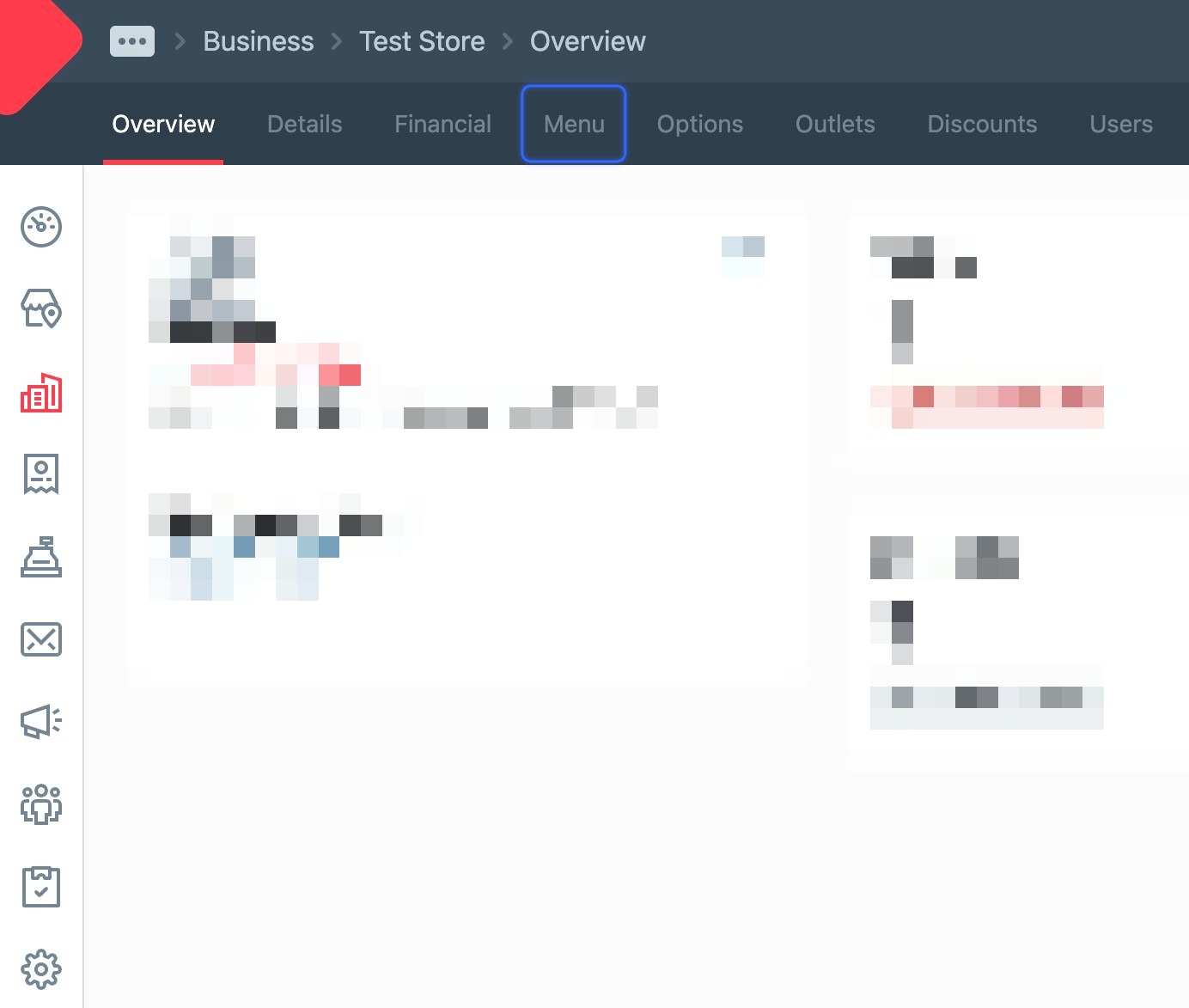
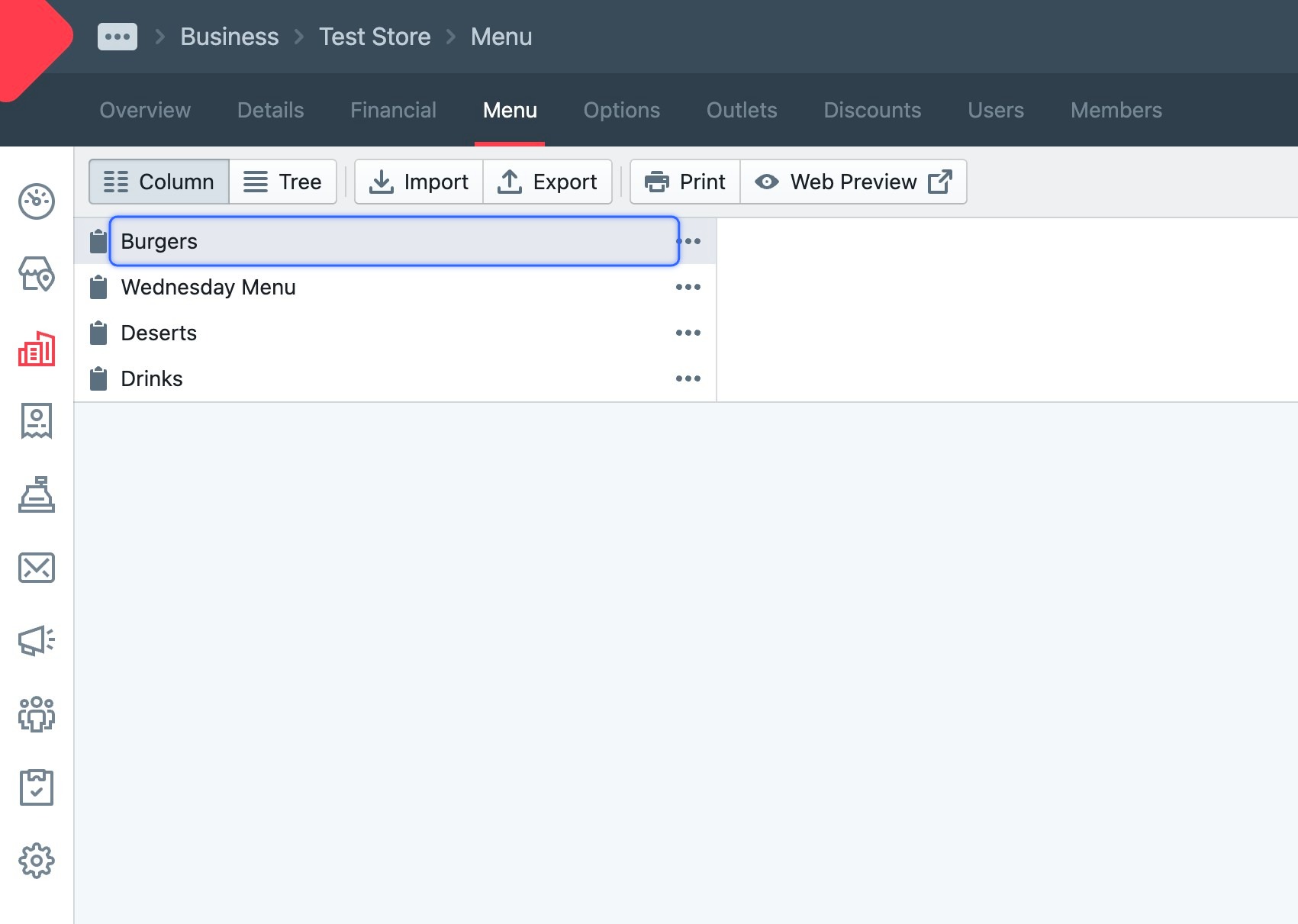
- Click Menu.
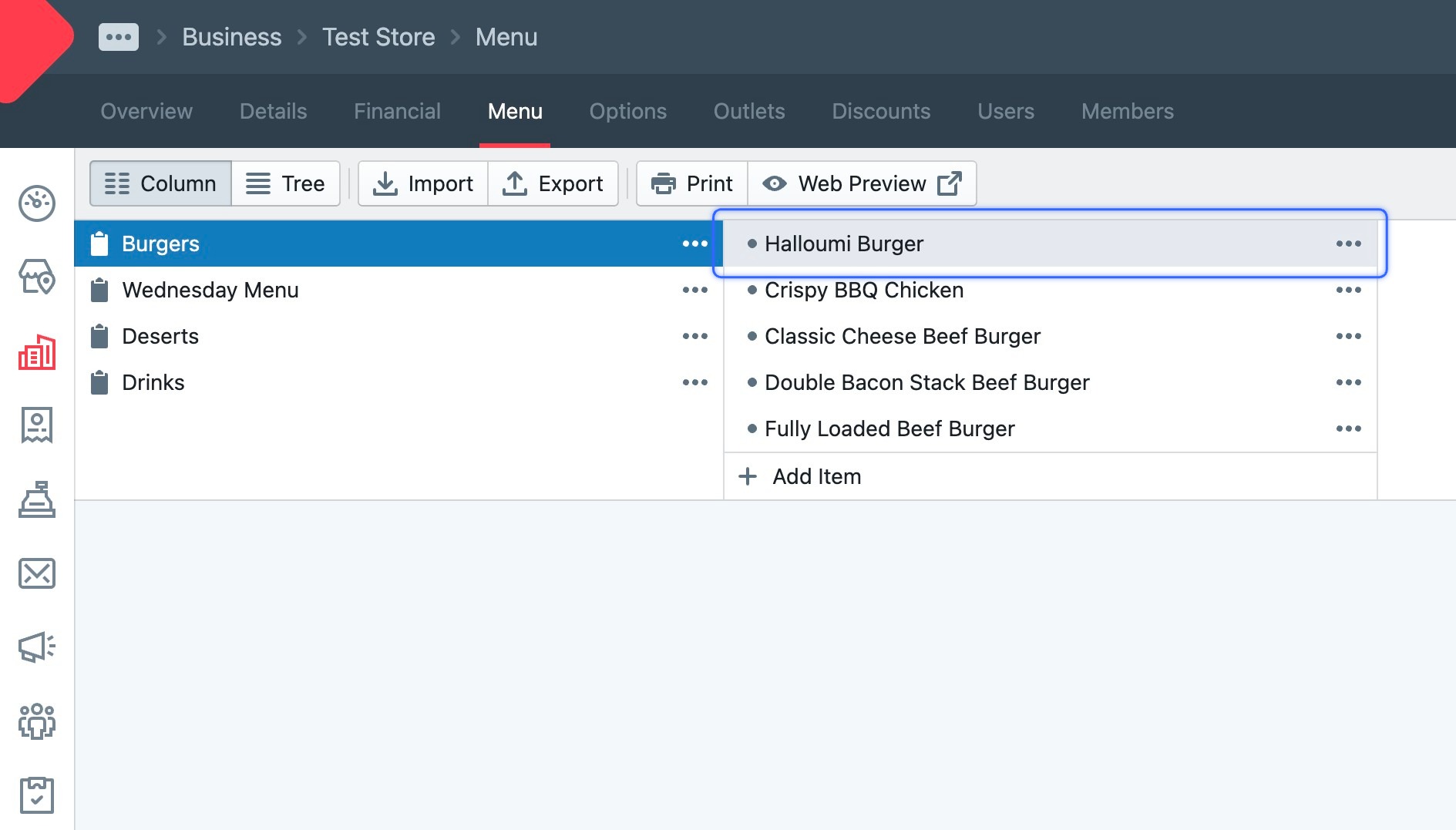
- Find the menu item you want.
- Click the menu item to open it.
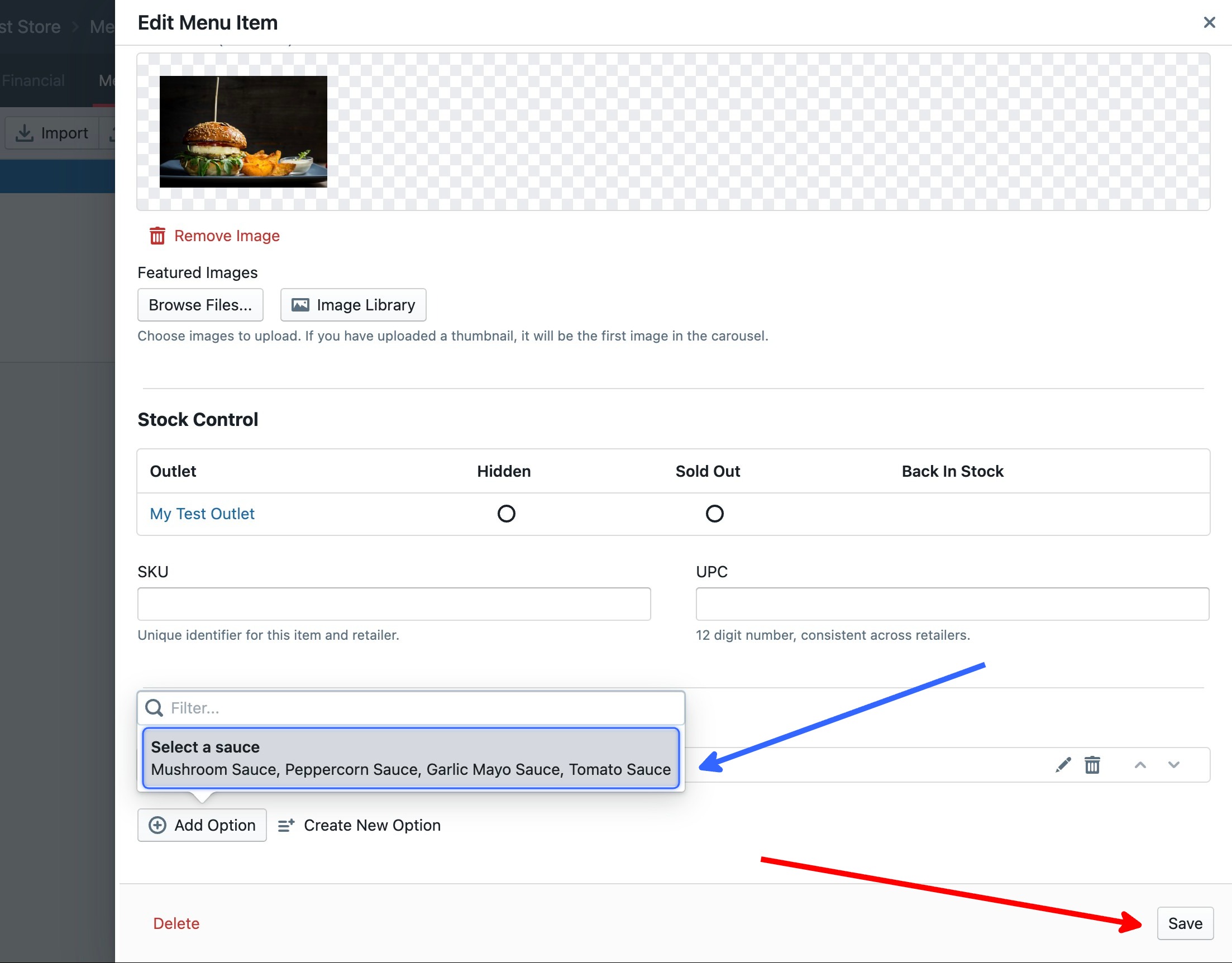
- Scroll down to Add Option.
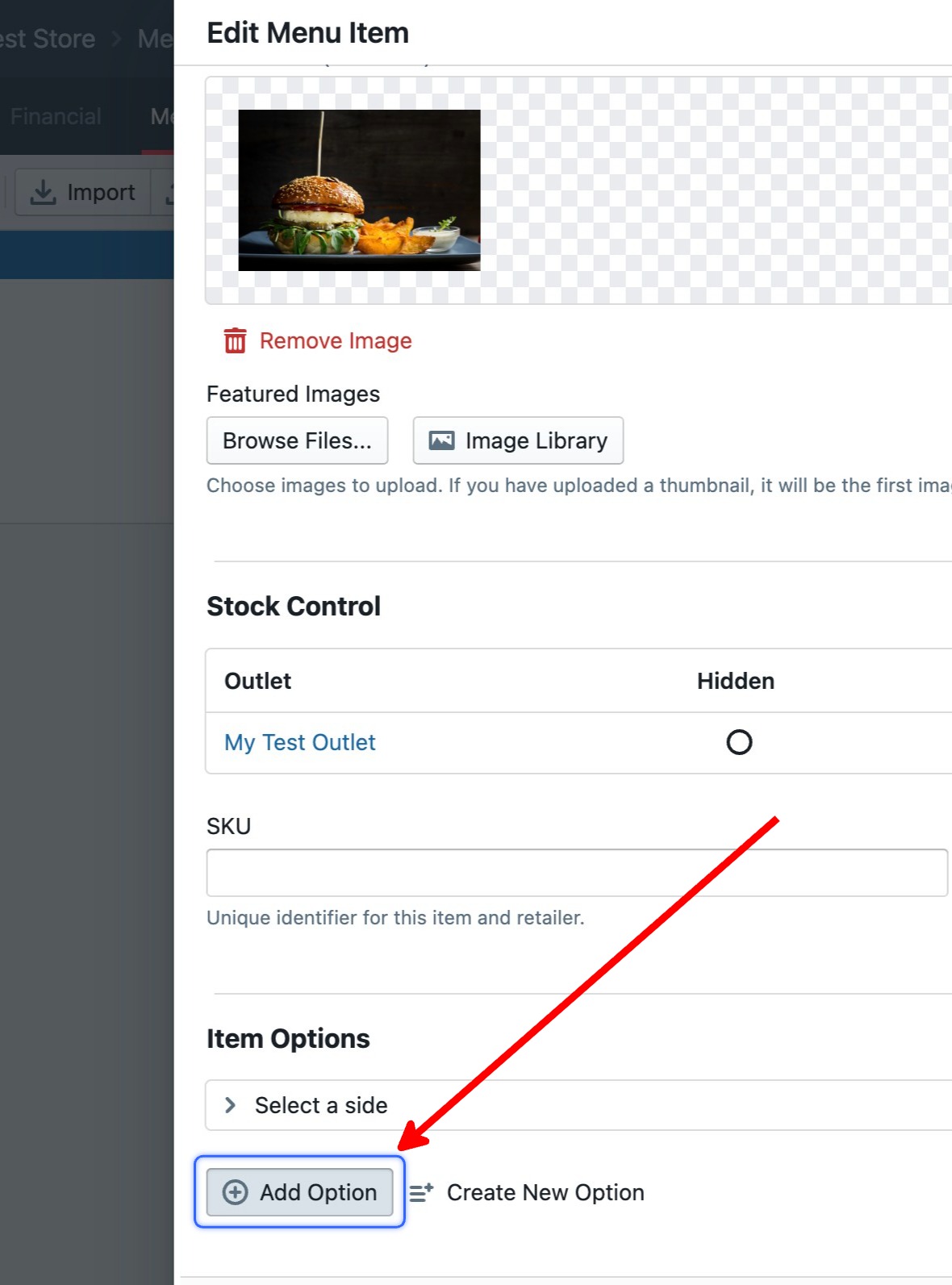
- Select the option to add it to the item, then Save.