
All guides › Hardware
📶 Change WiFi
Connect a terminal to a new wifi network.
- Exit Kiosk Mode — hold the power button, tap Exit Kiosk Mode, and enter the PIN (usually
0000or1234).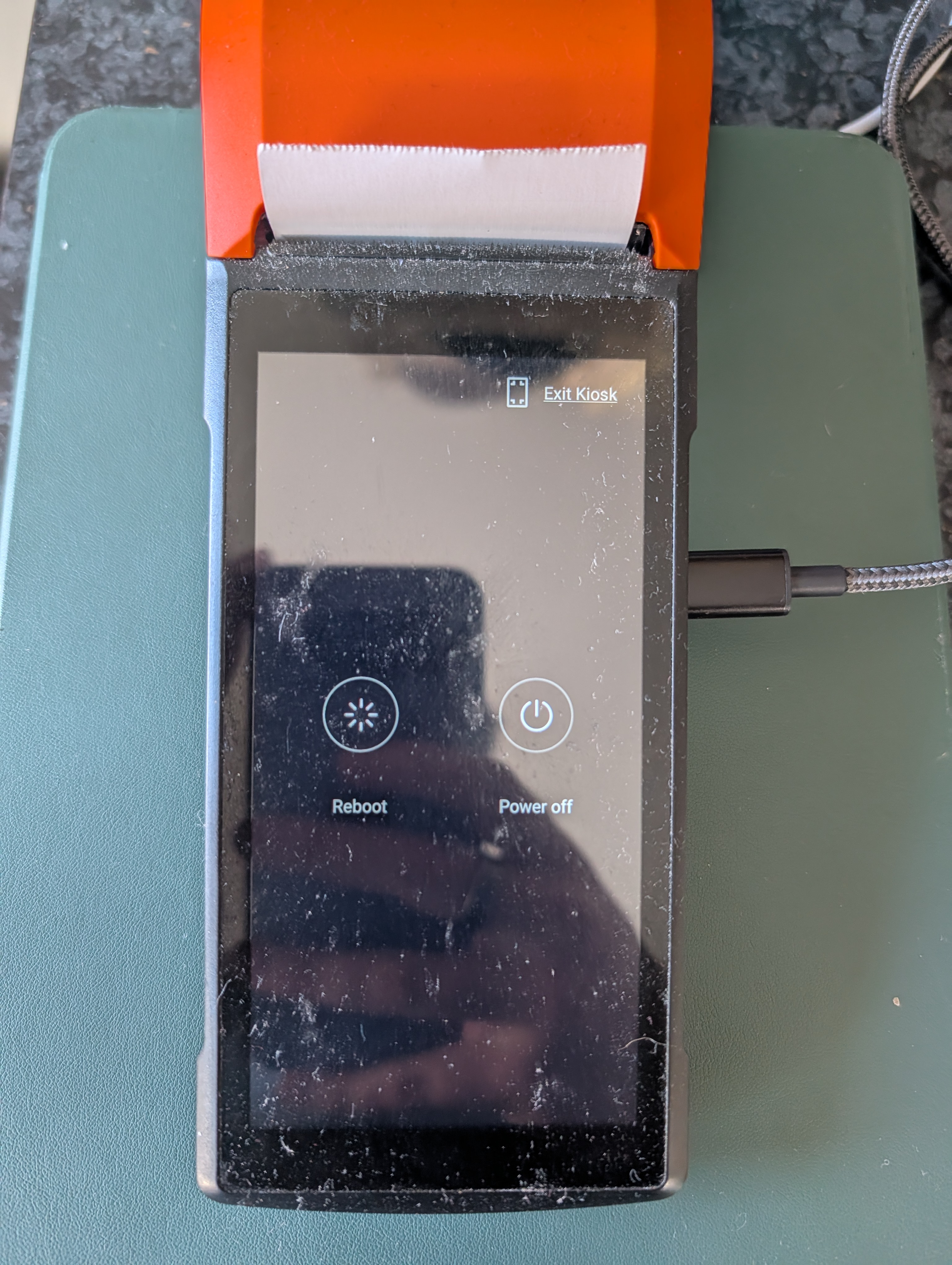
- Open the Settings app.
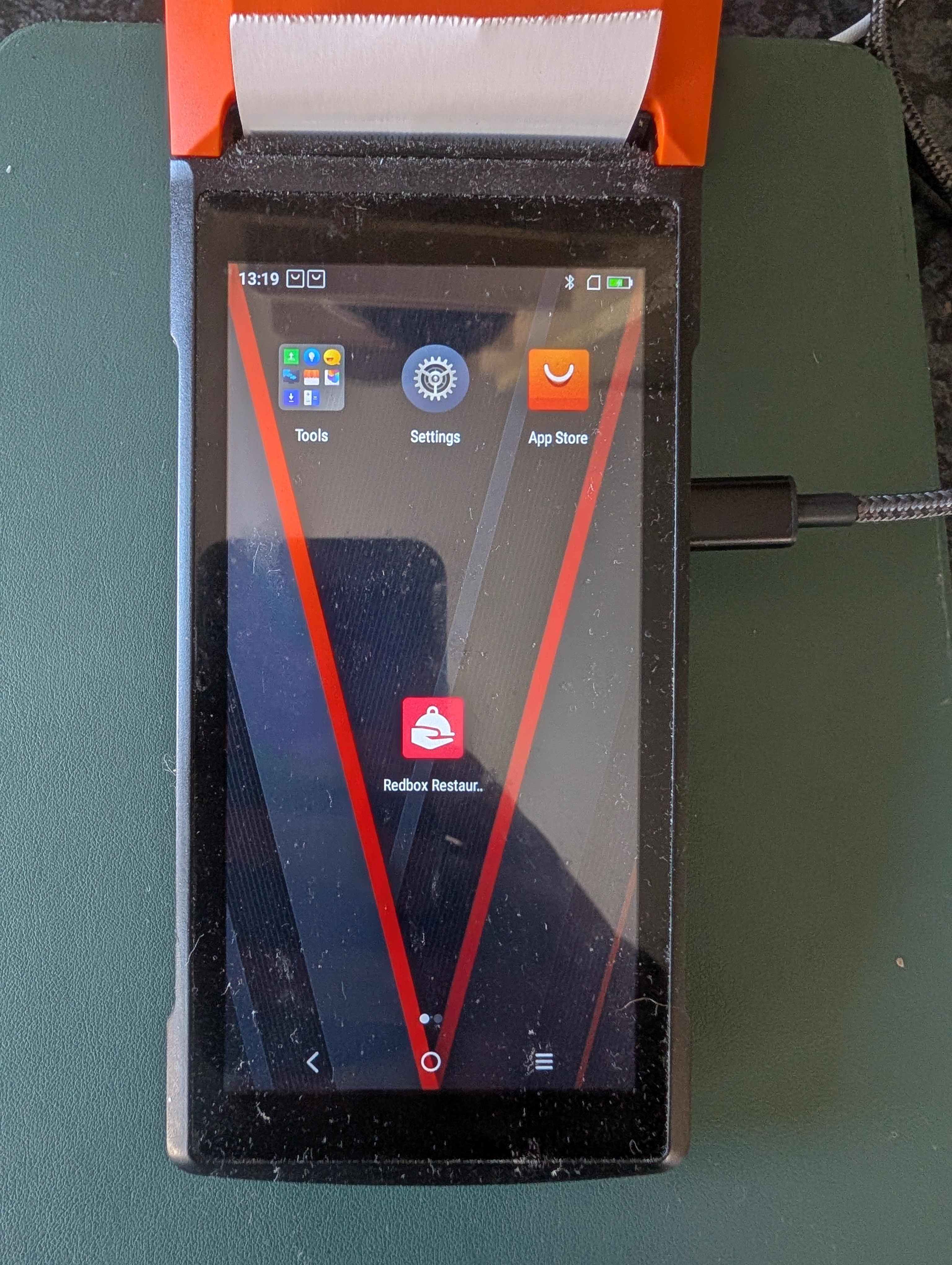
- Go to Wifi & Network Settings, select your network and enter the password. Then reboot the terminal, or re-open the Redbox app.