All guides › Menu
📦 Menu Option Stock
Mark menu options in or out of stock.
- Go to the Redbox platform and log in.
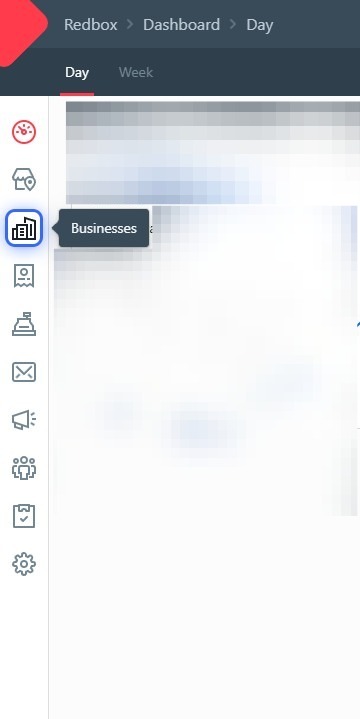
- Click Businesses.
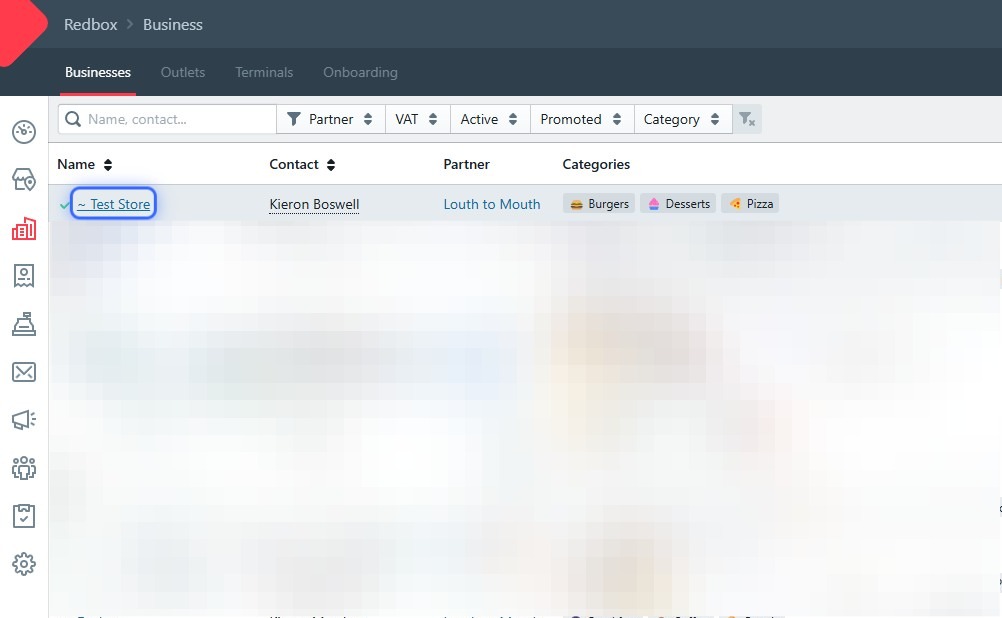
- Click your business.
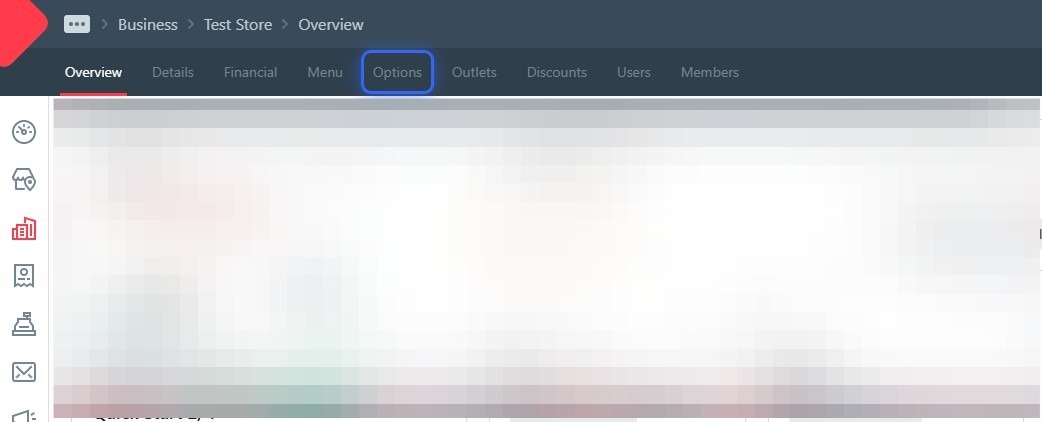
- Click Options.
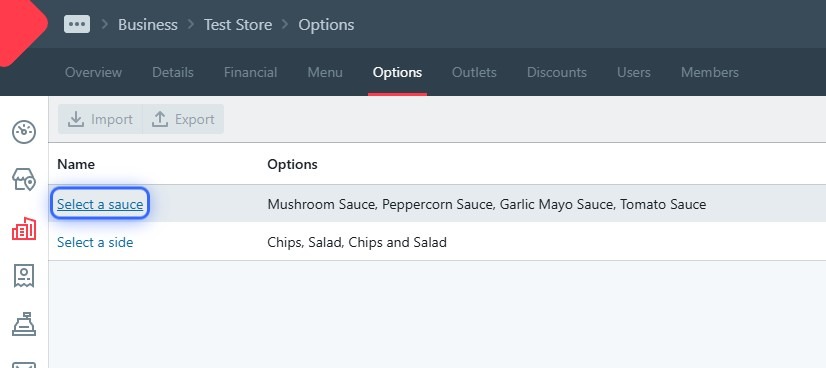
- Click the option you want to change (e.g. your sauce option).
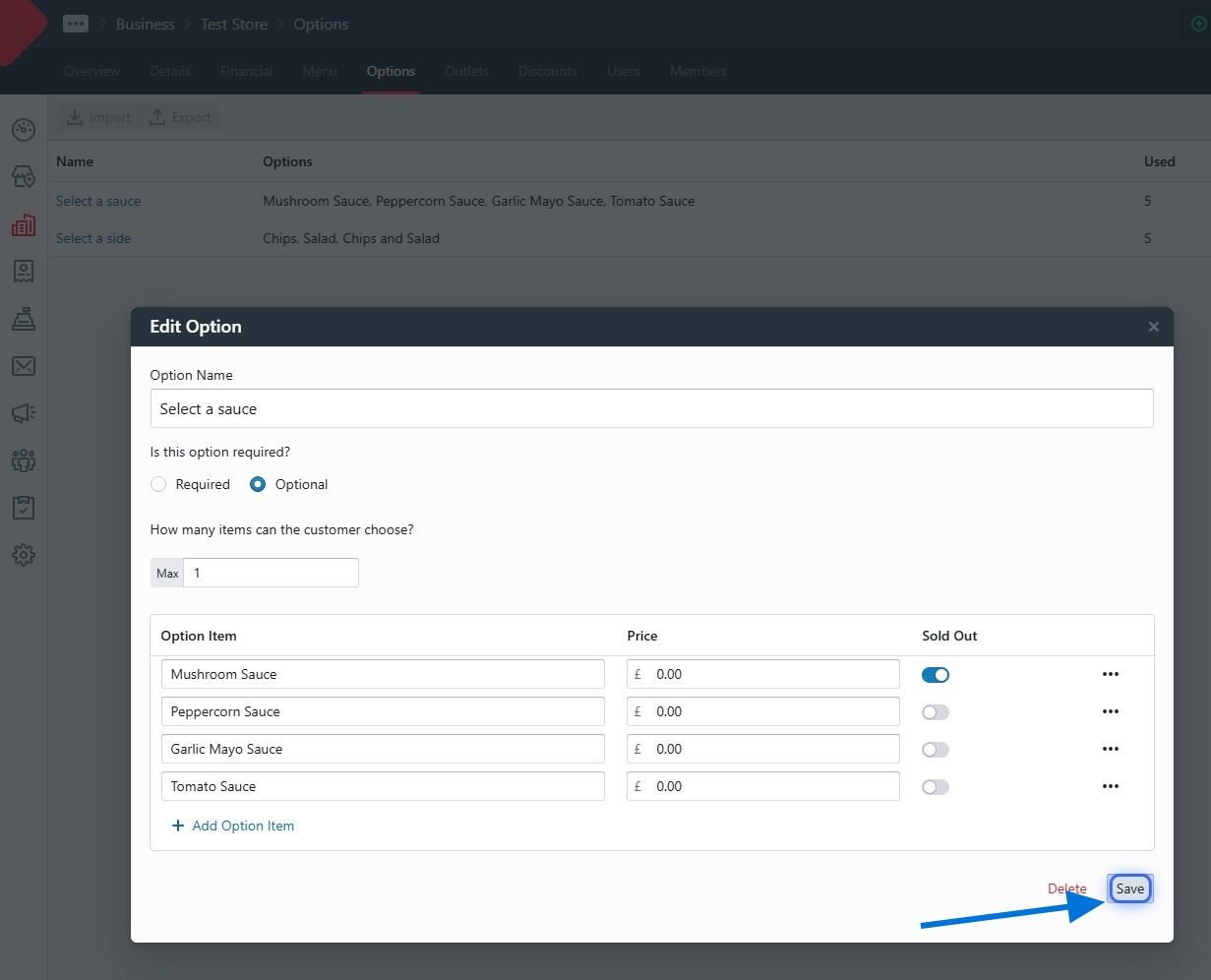
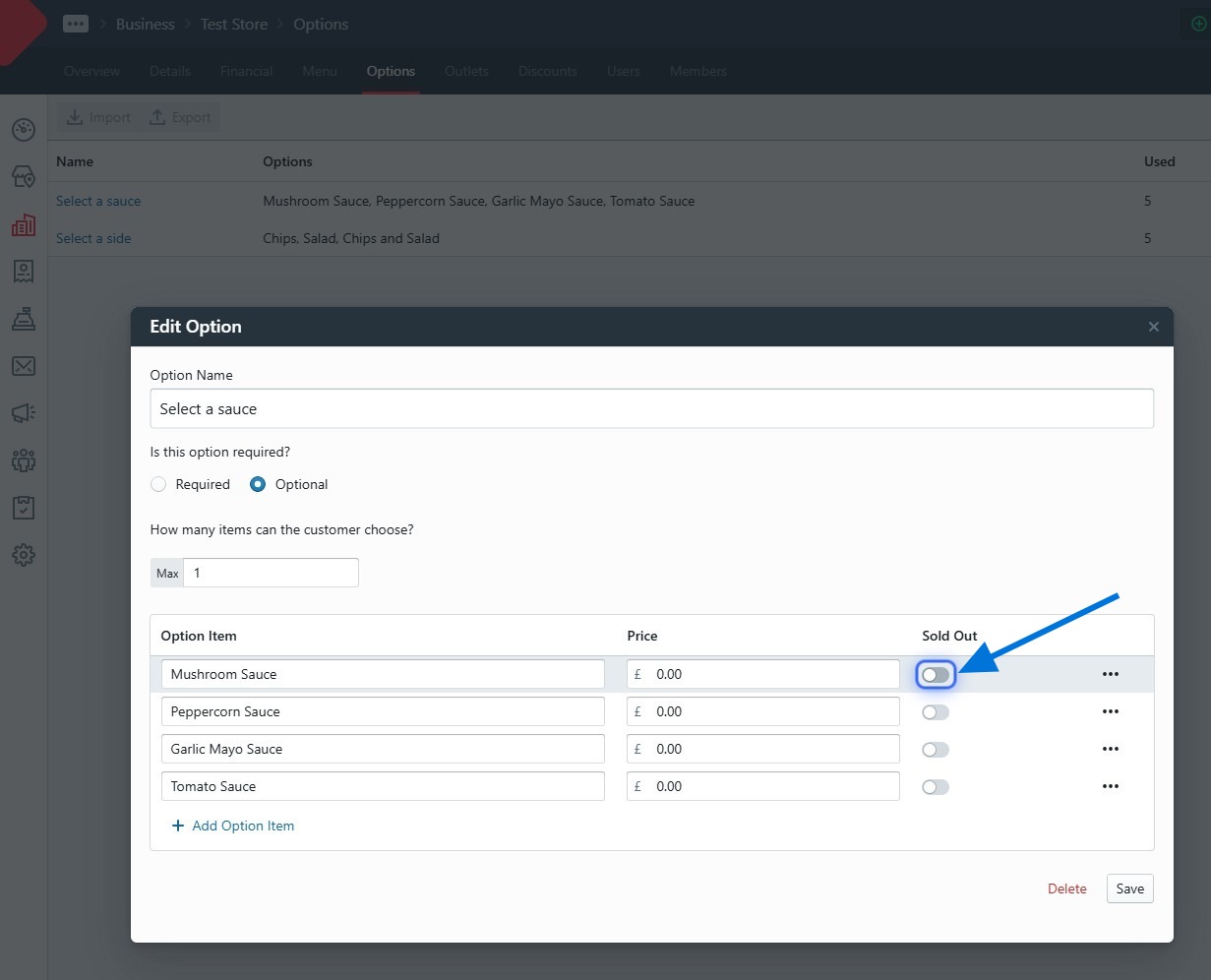
- In the dialog, toggle the stock for the items you want to adjust.
- Click Save — important!