All guides › Menu
➕ Create Menu Item Options
Build an option group (sizes, toppings, extras).
- Go to the Redbox platform and log in.
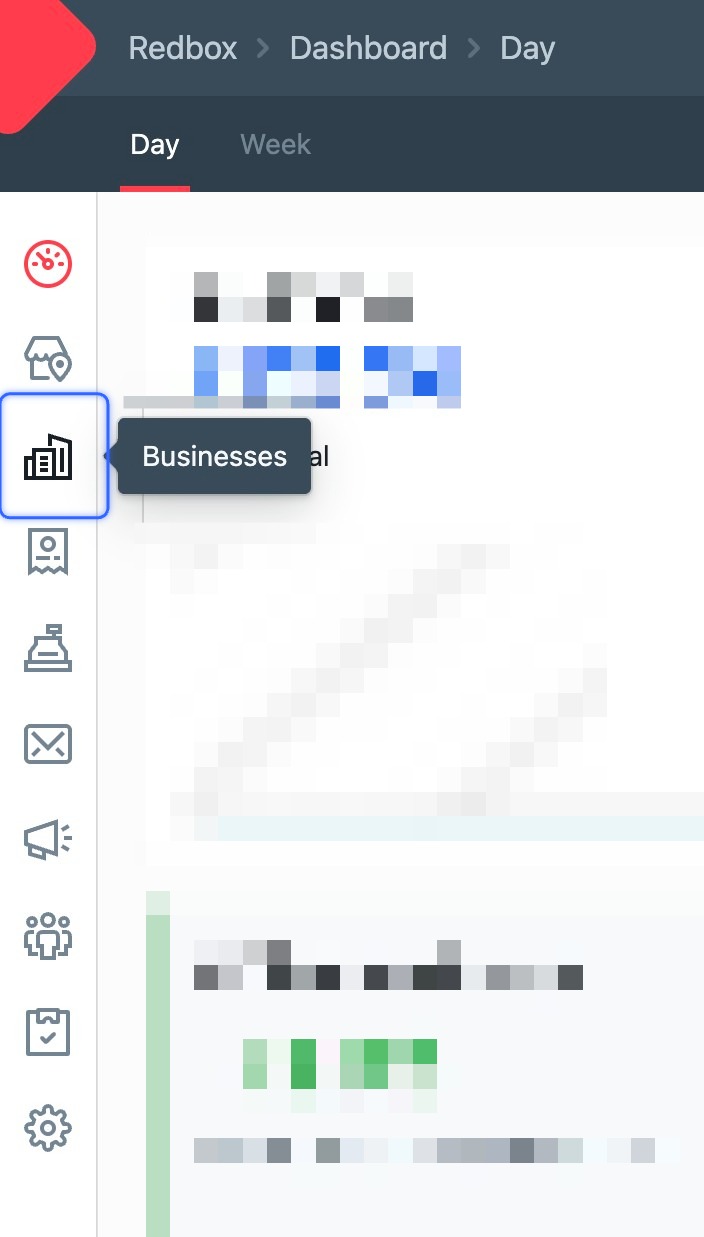
- Click Businesses.
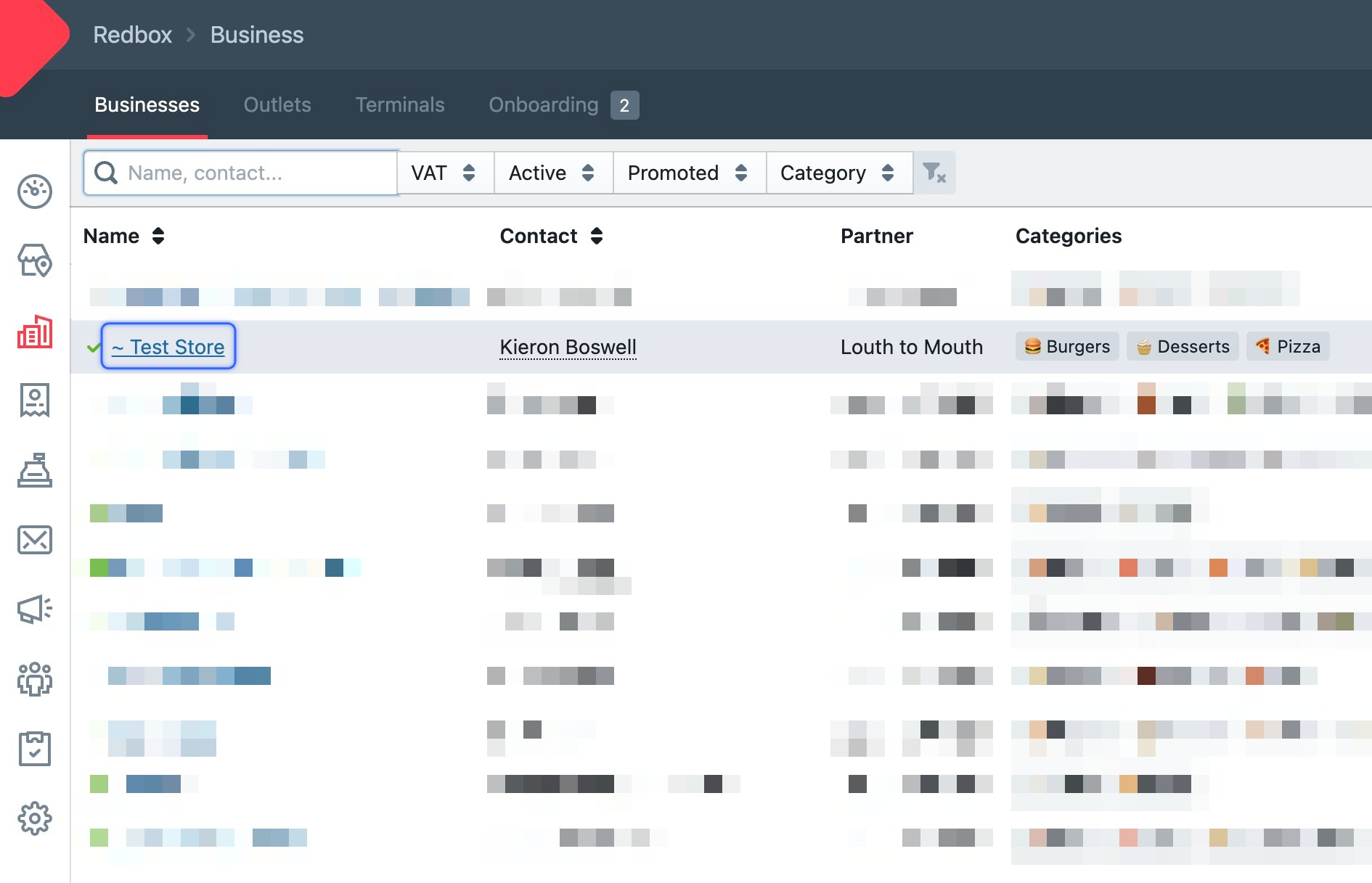
- Click your business.
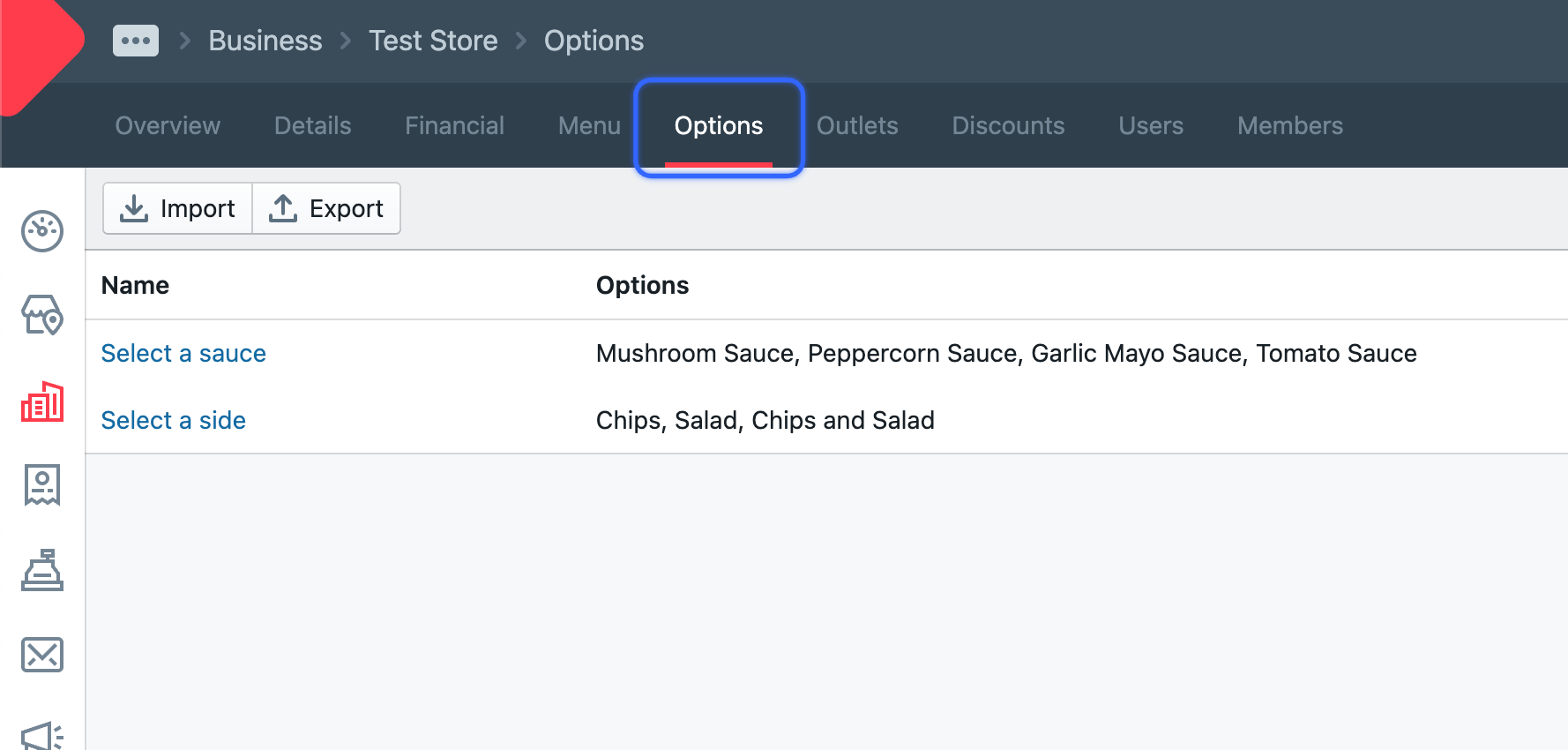
- Click Options.
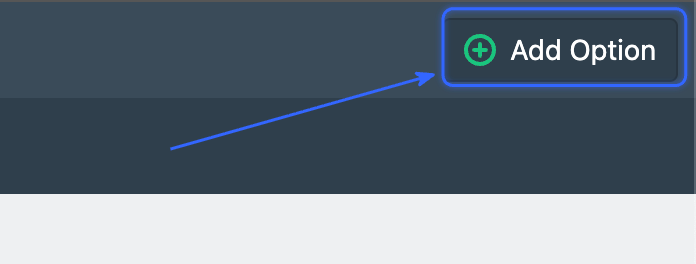
- Click Add Option (top right).
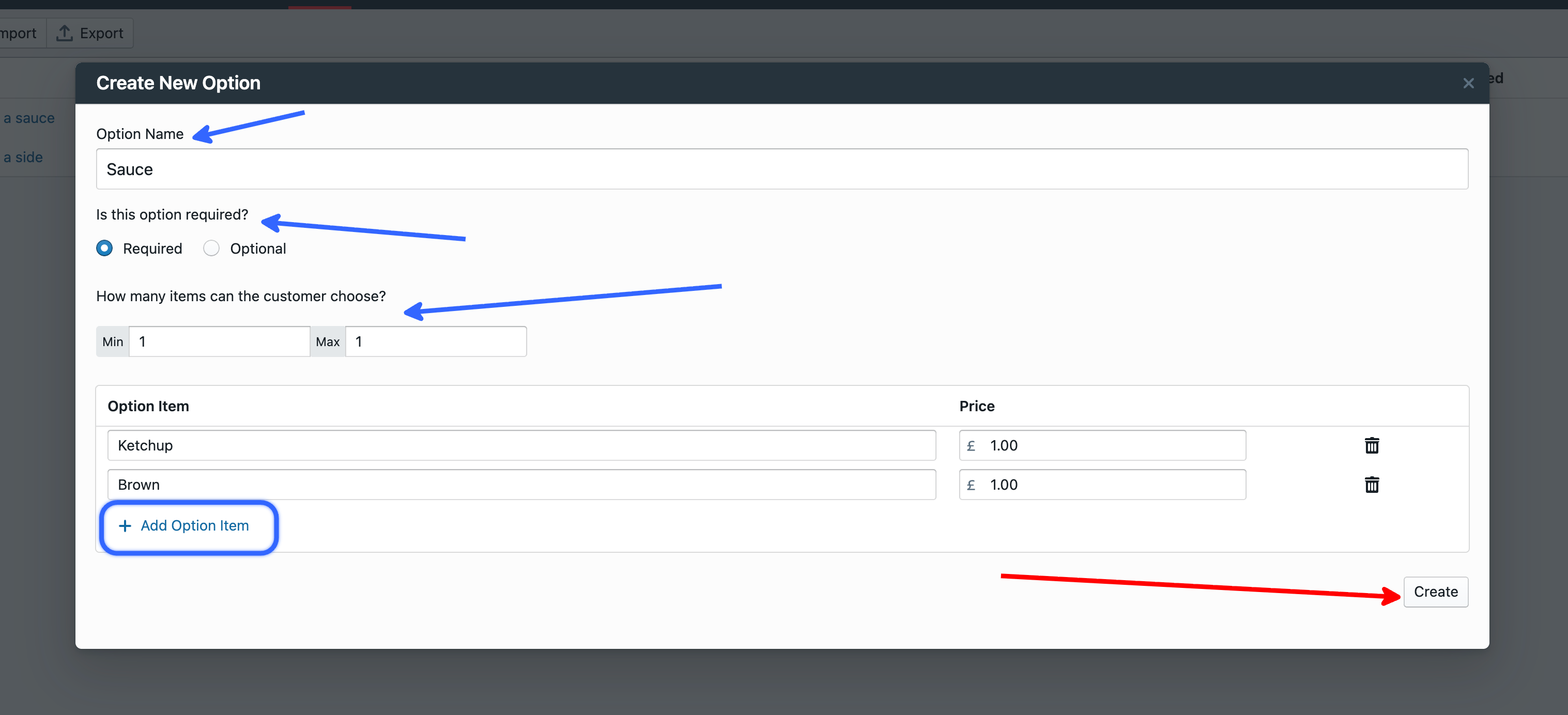
- Fill in the option — give it a name, set whether it's required or optional, then list the choices using Add Option Item. Click Create.