All guides › Account
🏦 Change Payout Account
Update your payout bank account in Stripe.
Payouts are handled by Stripe, so this is done in Stripe Express, not Redbox.
- Go to Stripe Express and log in.
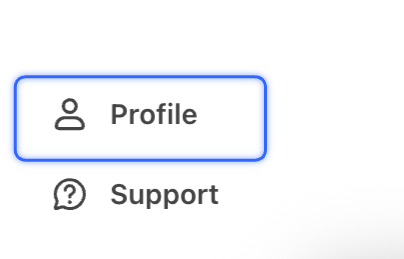
- Open your Profile (the menu button, top-left on mobile or bottom-left on desktop).
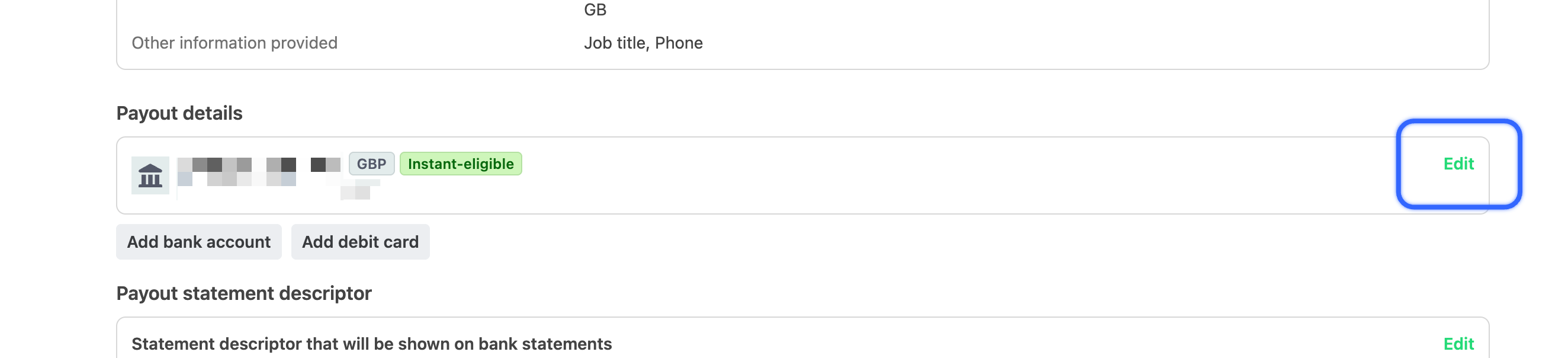
- Scroll to Payout details and click Edit.
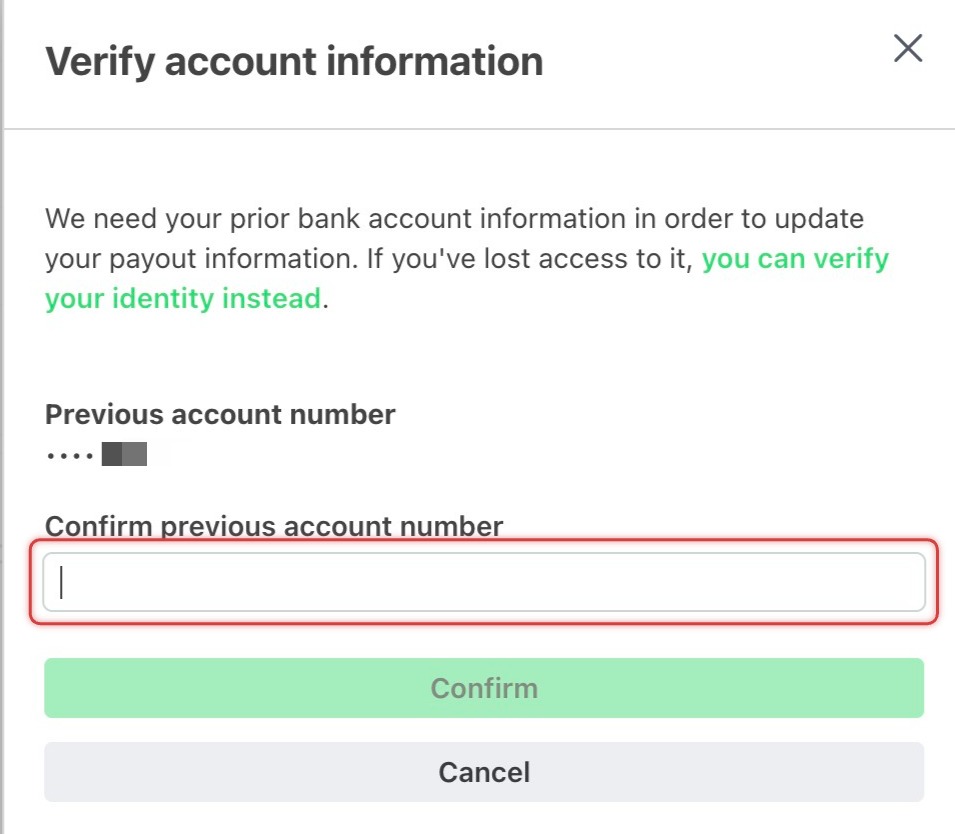
- Verify your account by entering your full existing account number.
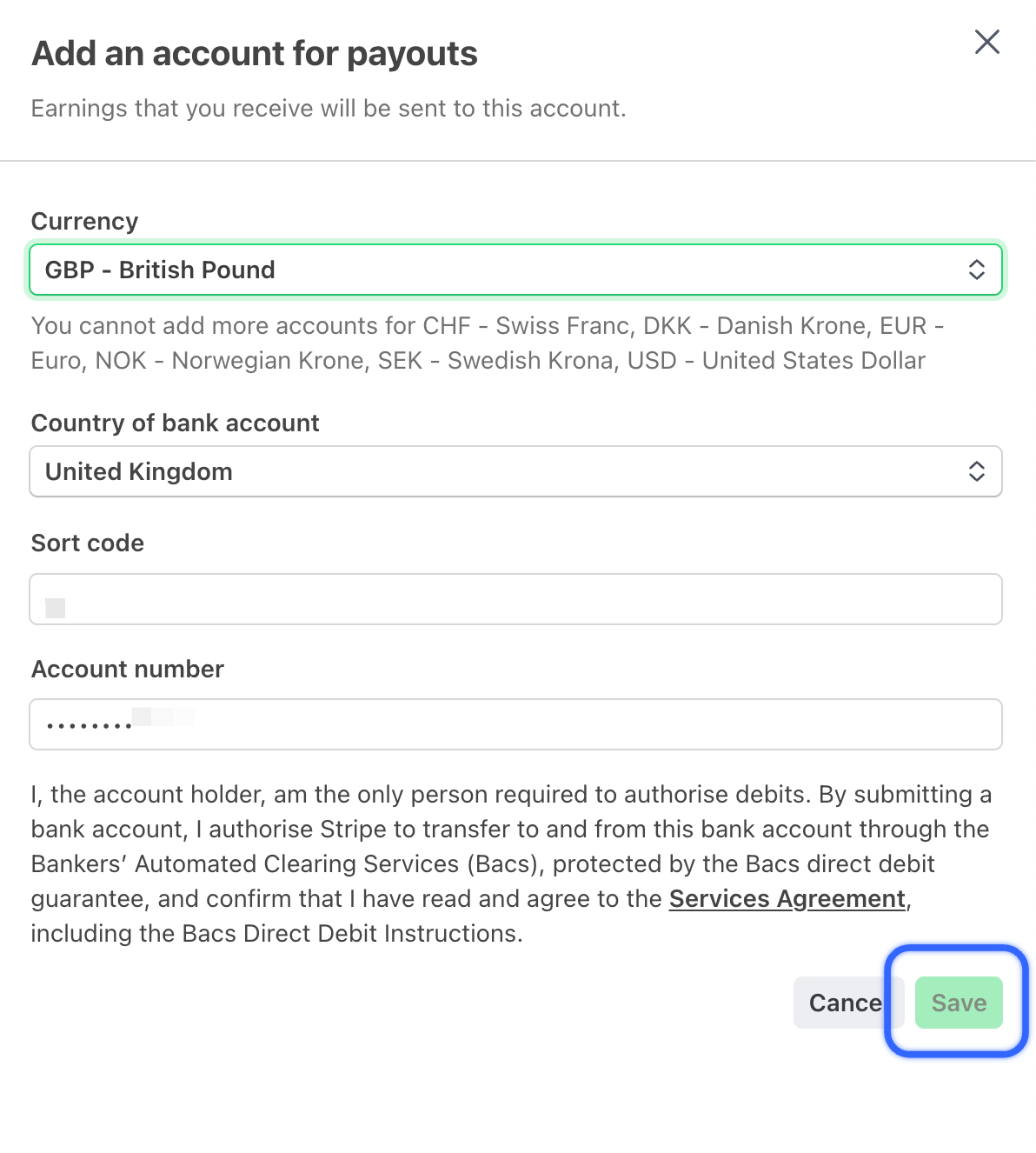
- Enter your new account information and Save.