All guides › Orders
⏱️ Change Delivery Times
Adjust your delivery time on a day/slot.
- Go to the Redbox platform and log in.
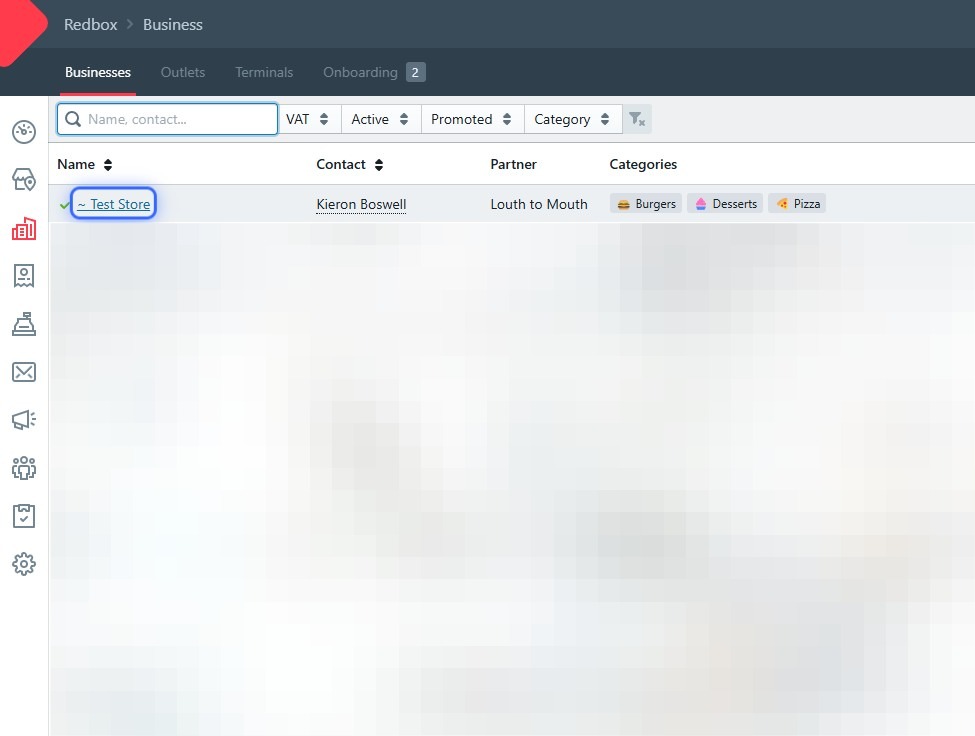
- Select your business.
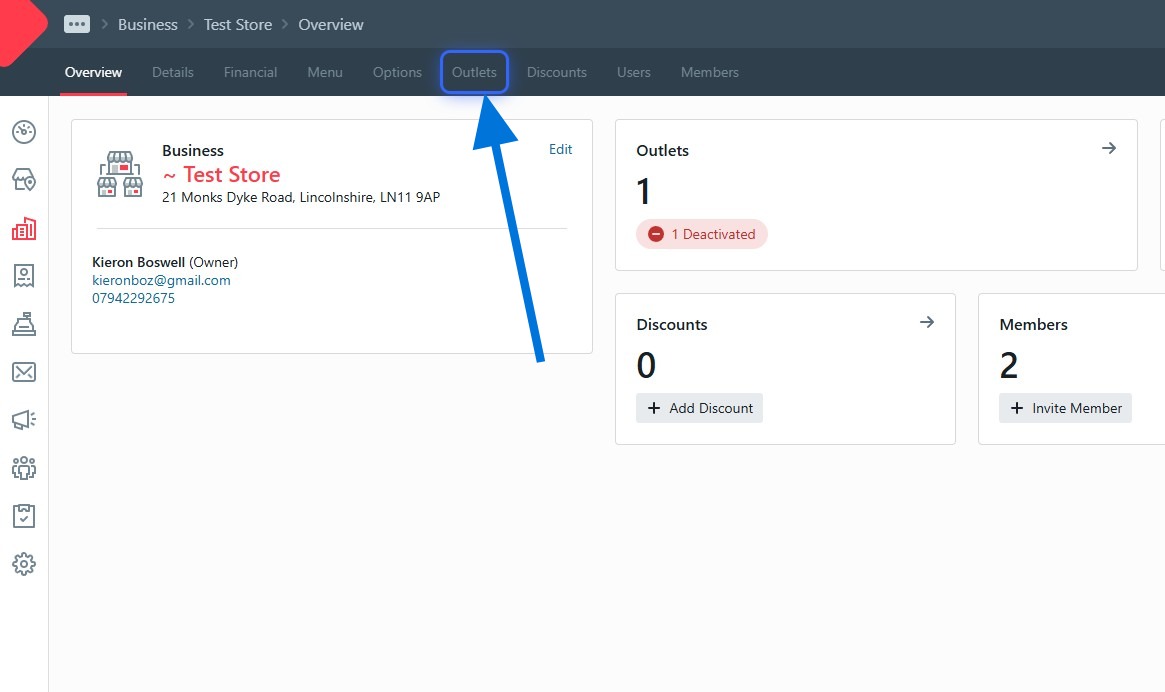
- Click Outlets.
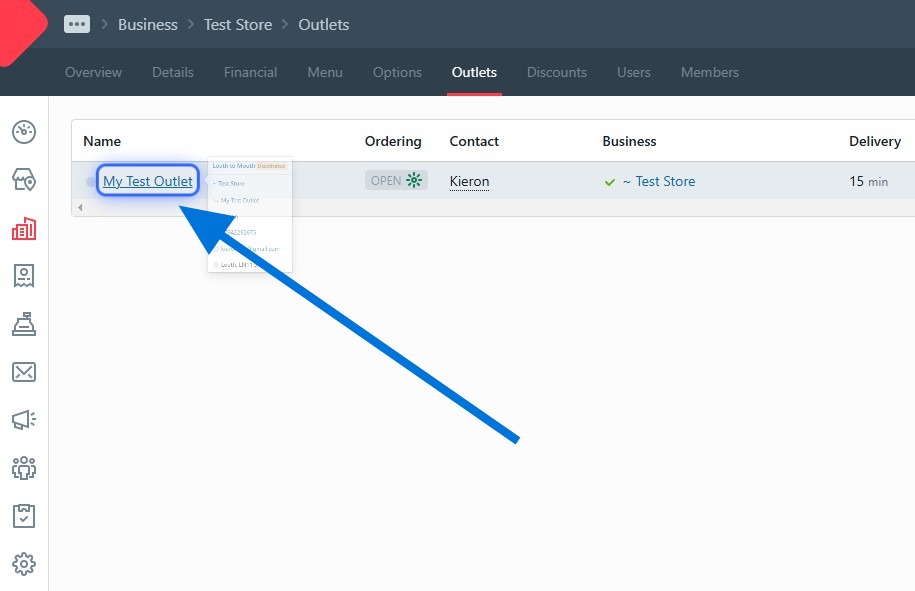
- Click your outlet.
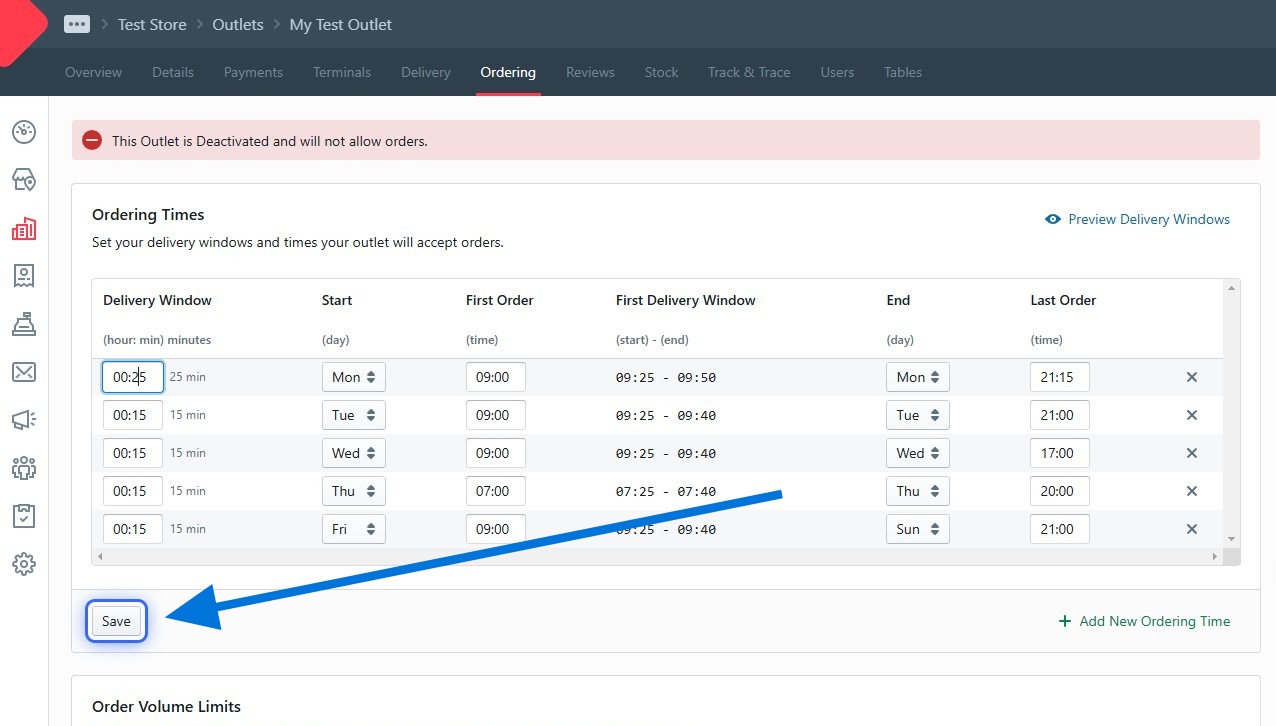
- Click the Ordering tab.
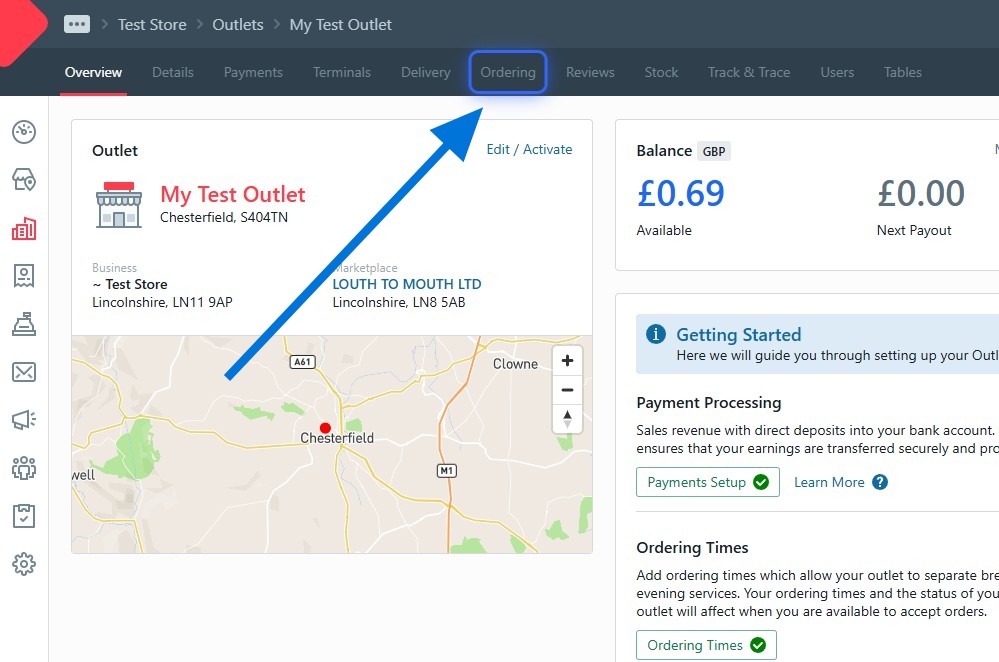
- Click the day/time slot you want to change.
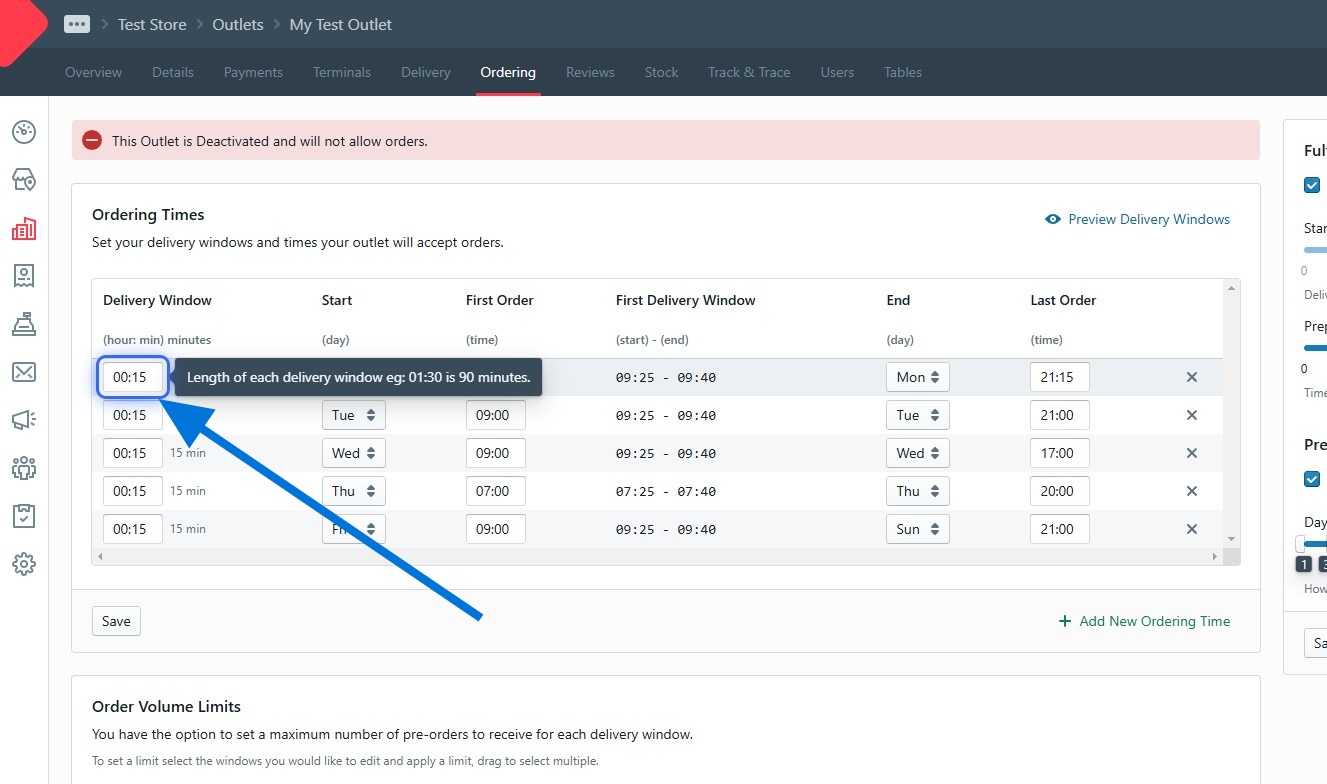
- Type your new delivery time. Remember: the time customers see is delivery PLUS prep time (e.g. 25 min delivery + 25 min prep = 50 min).
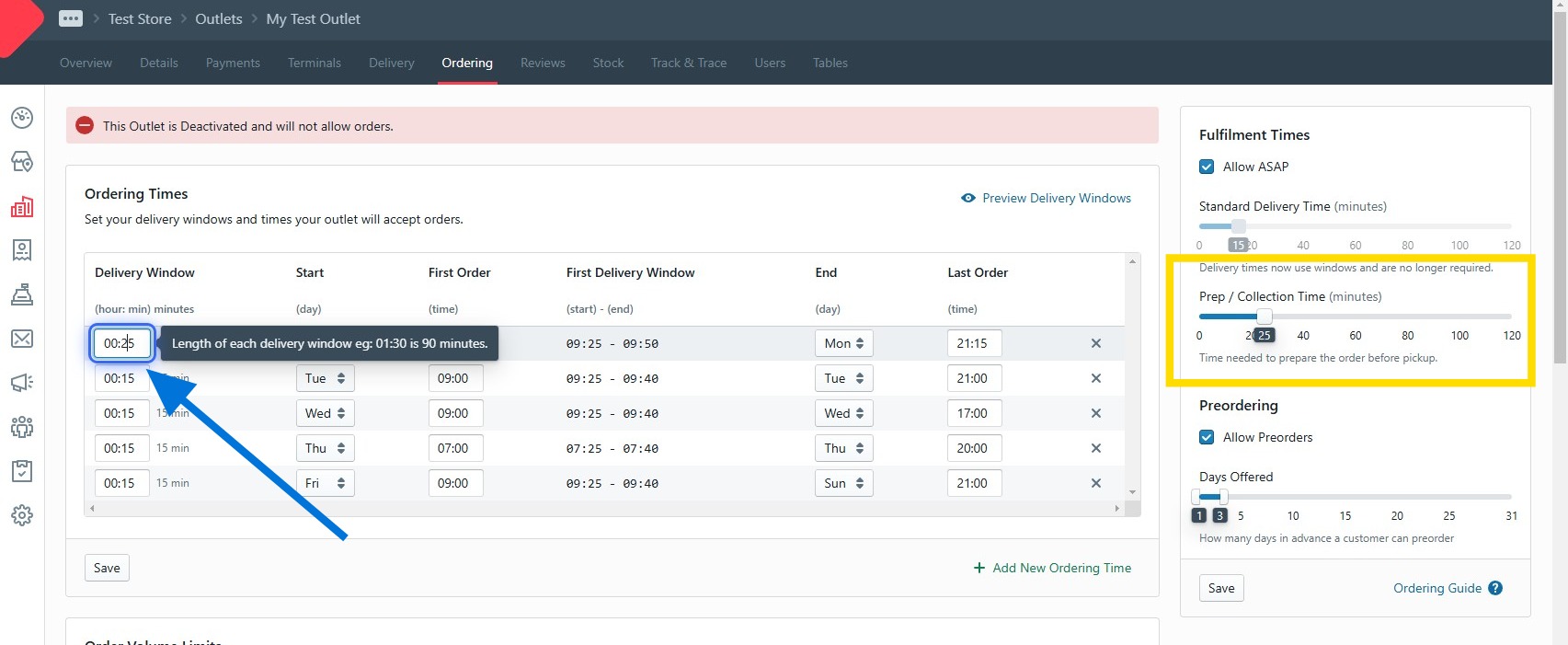
- Click Save.