All guides › Setup
🕒 Opening Times
Change the days and times your store takes orders.
- Go to the Redbox platform and log in.
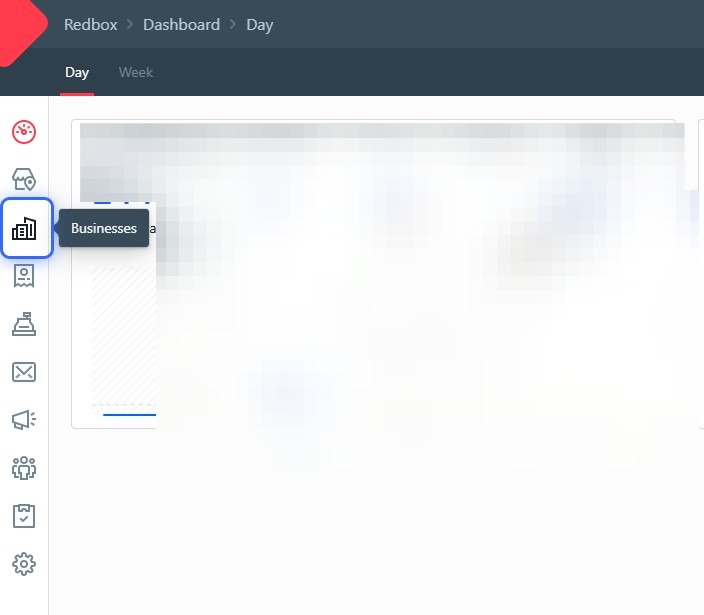
- Click Businesses.
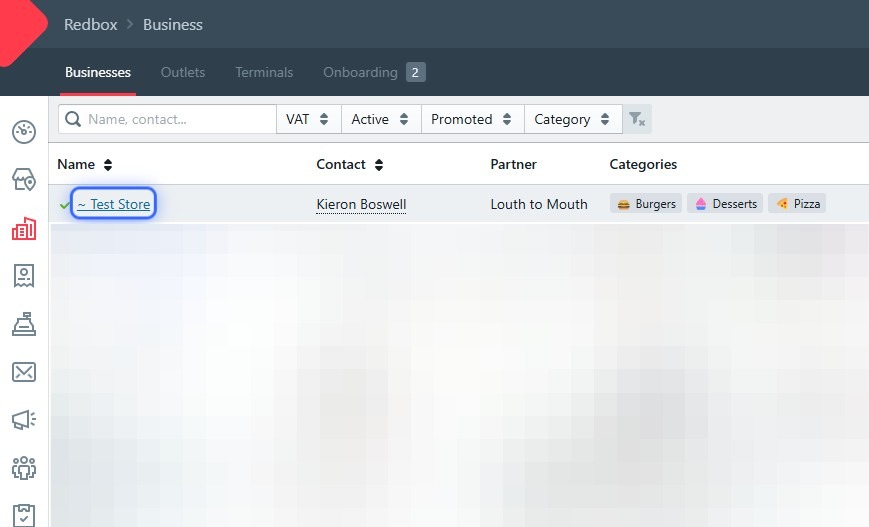
- Click your business.
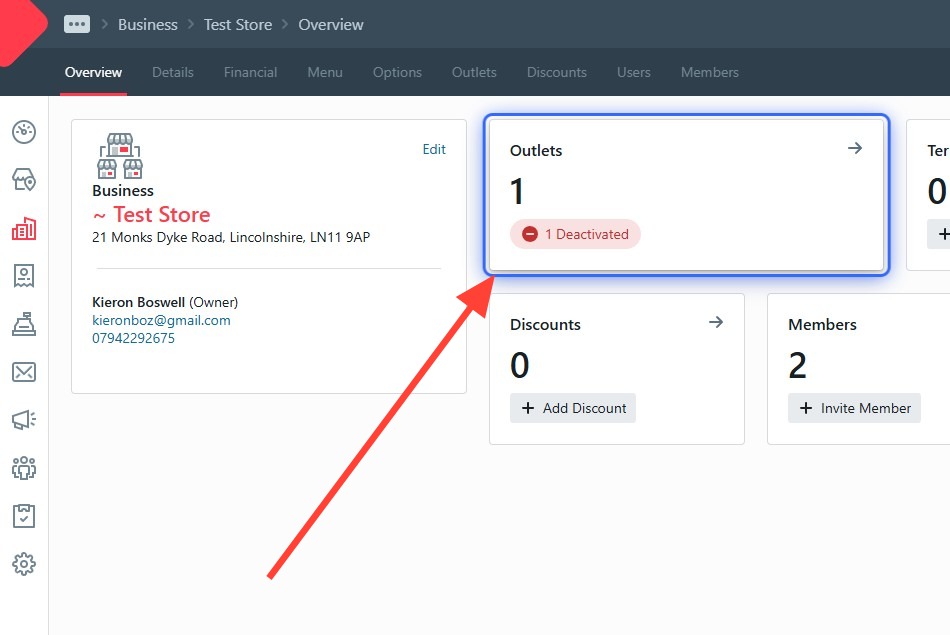
- Click Outlets.
- Open the Ordering tab.
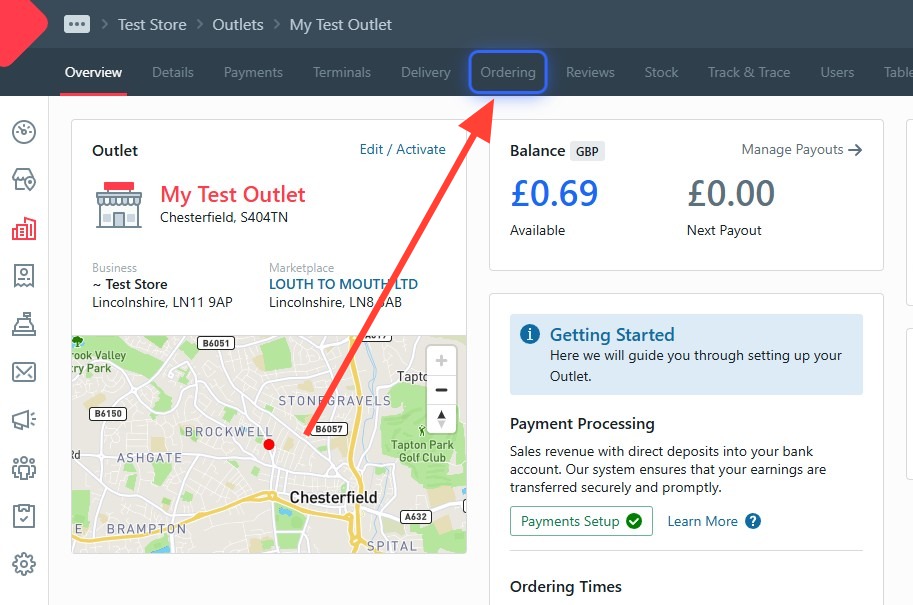
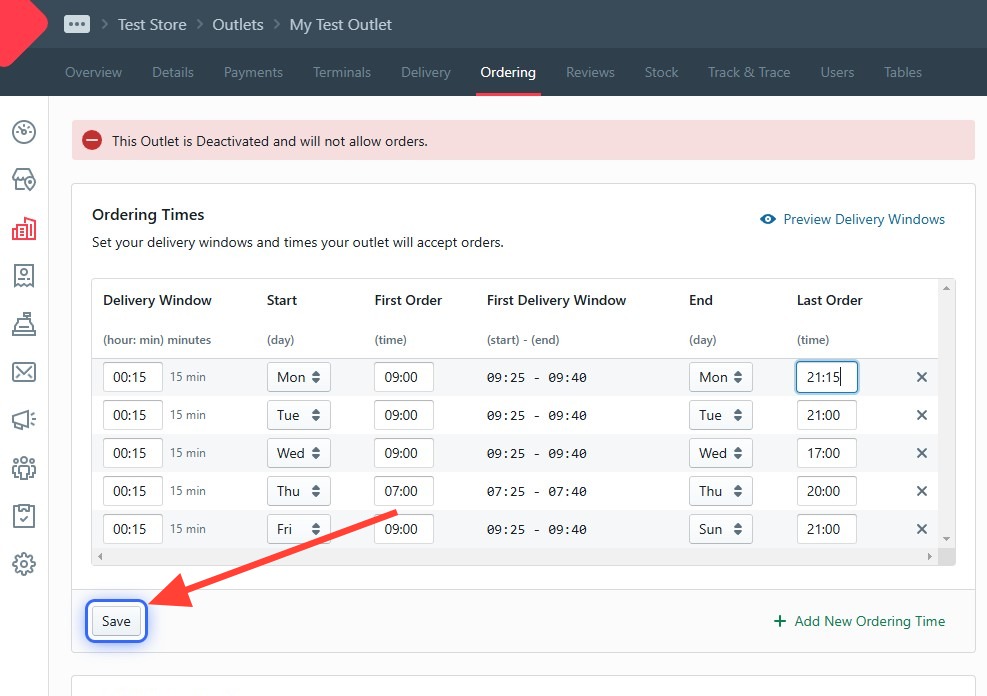
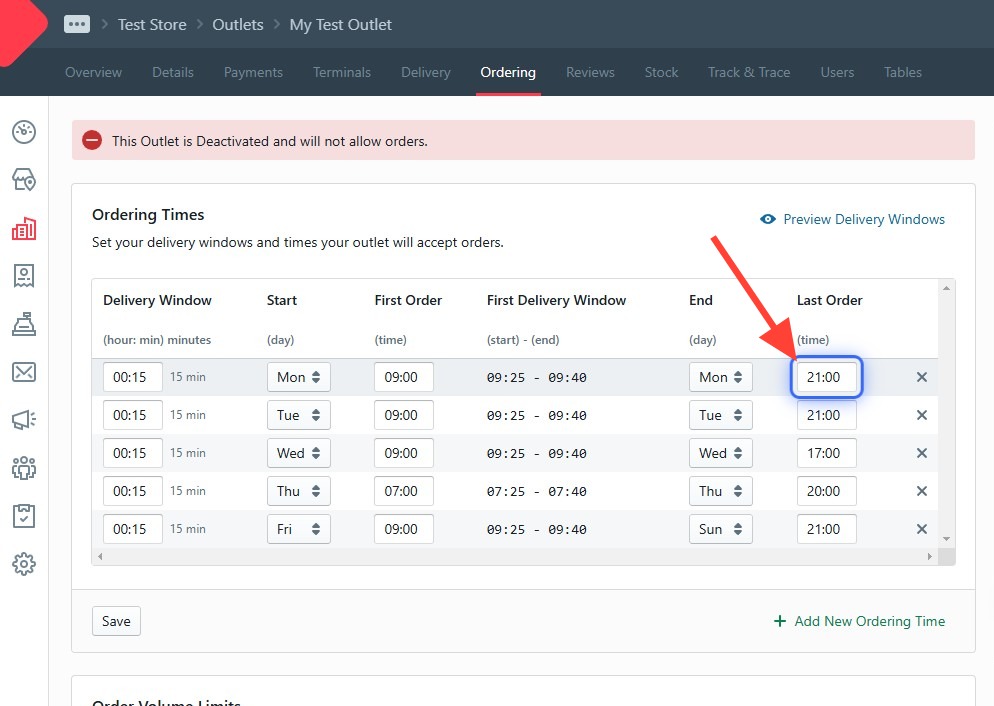
- Find the day and time you want to change.
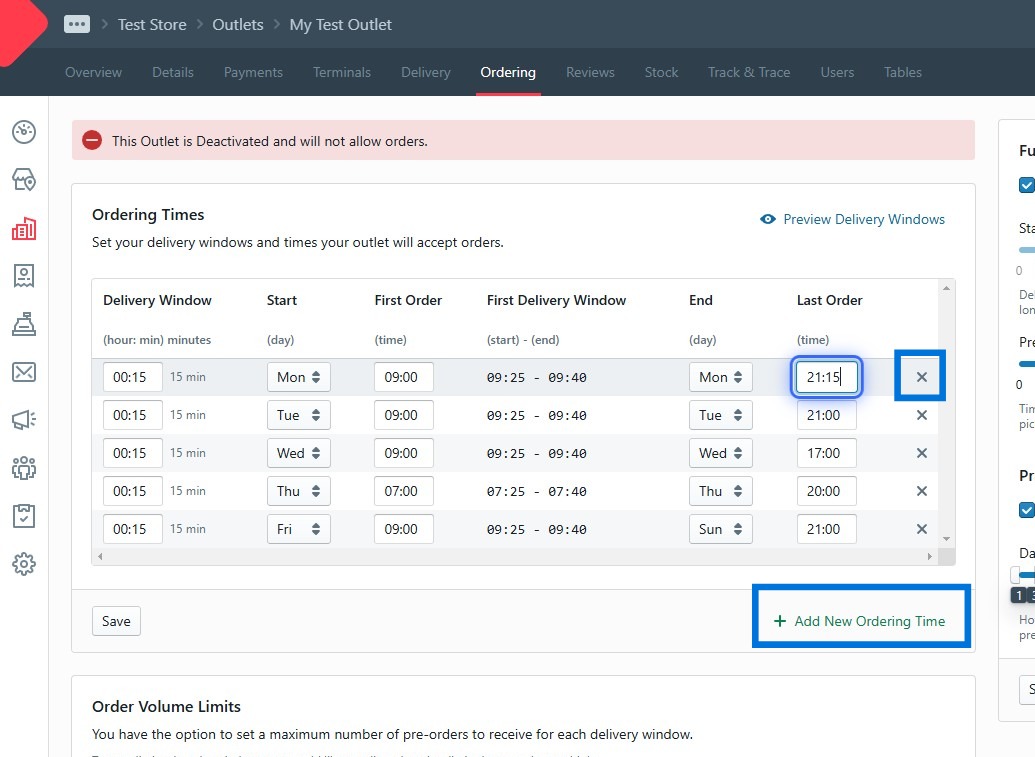
- Make your change. You can add a day with + Add New Ordering Time, or remove one with the × — handy if your hours have a gap in the middle of the day.
- Click Save.