All guides › Orders
🛵 Set Delivery / Collection
Turn delivery or collection on or off for an outlet.
- Go to the Redbox platform and log in.
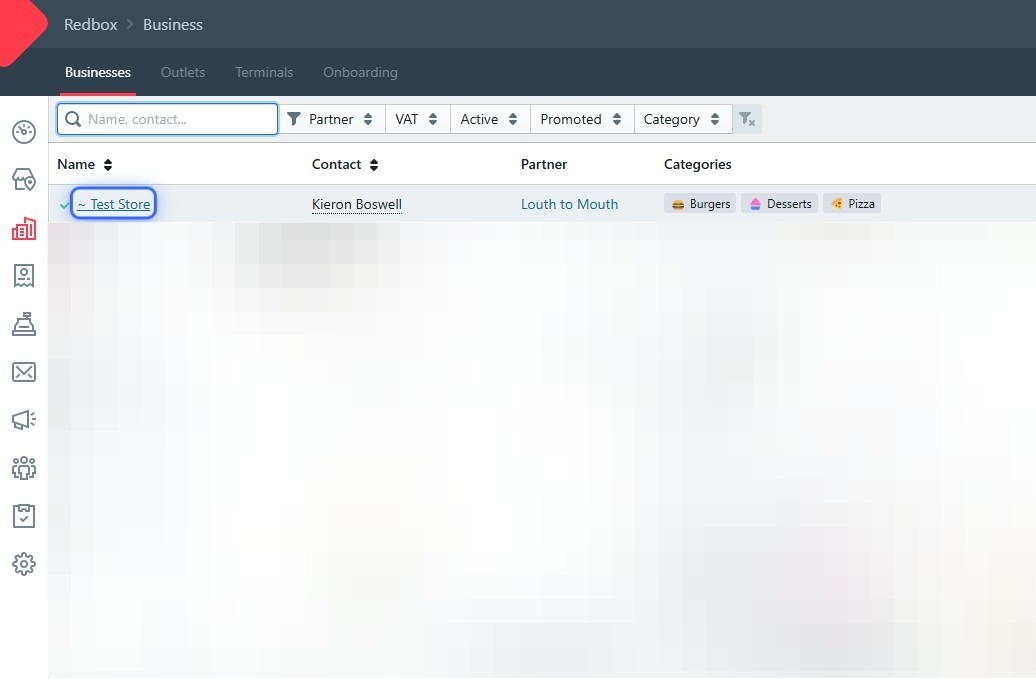
- Click your business.
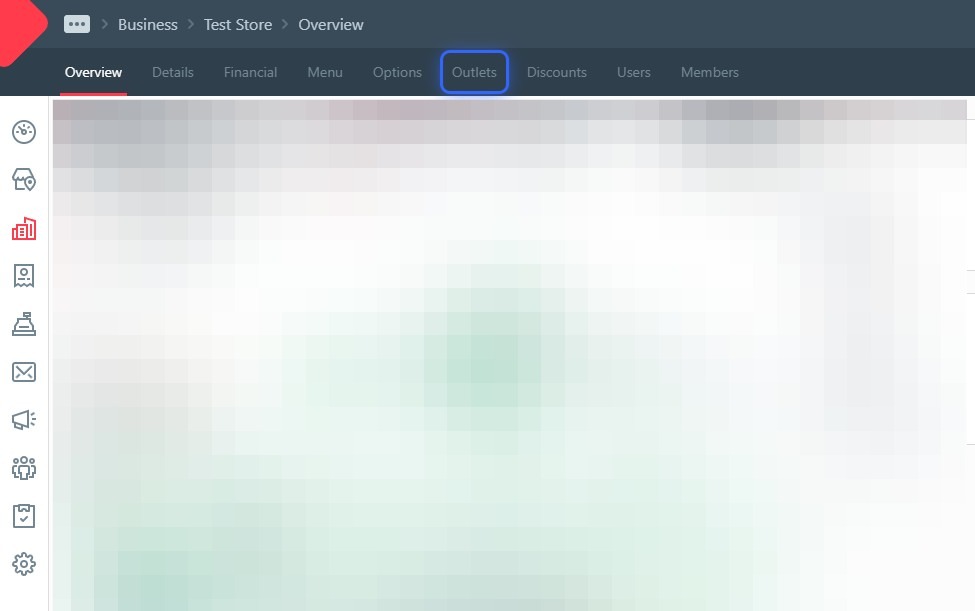
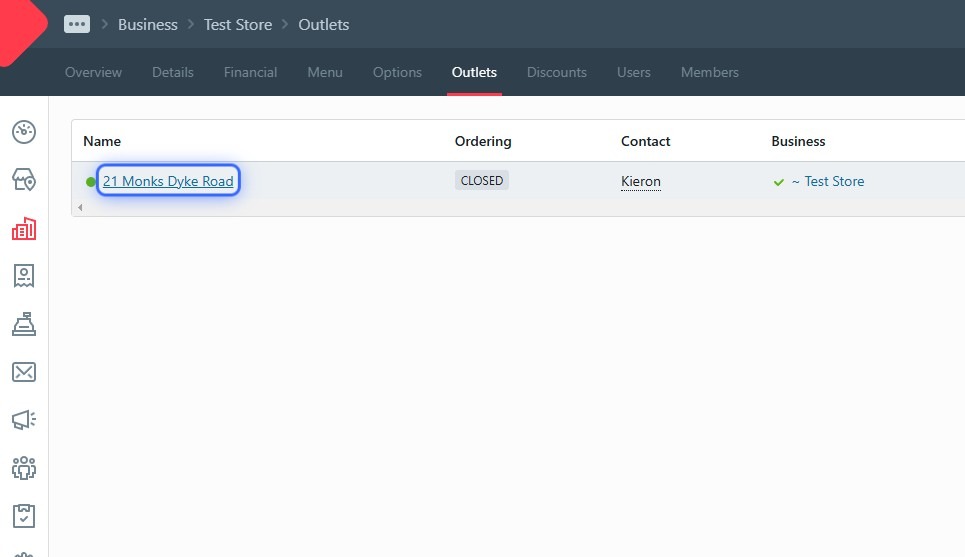
- Click Outlets.
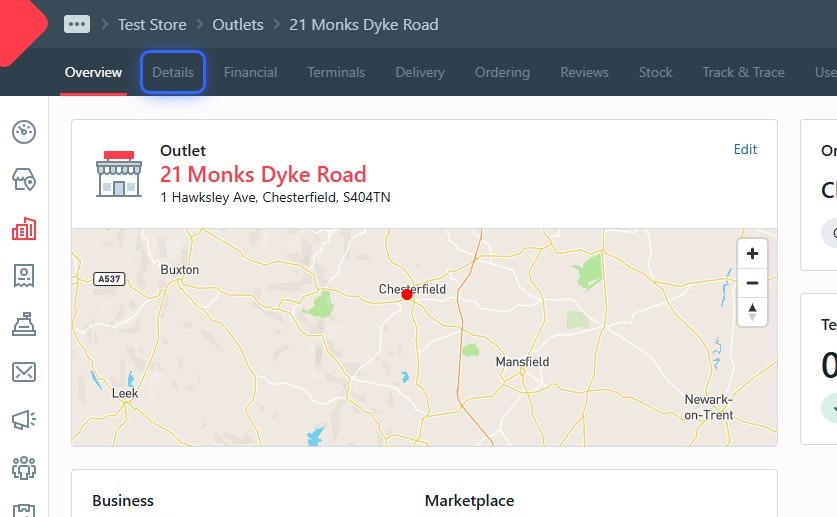
- Click your outlet.
- Click Details.
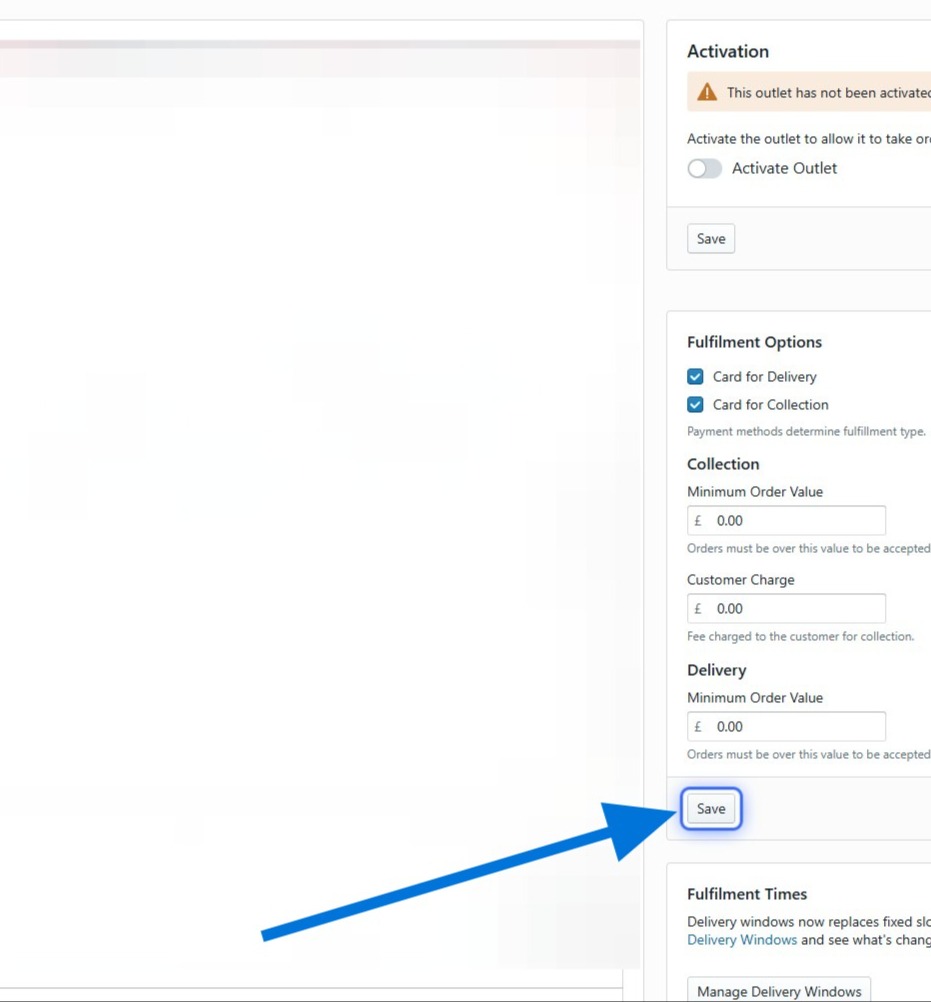
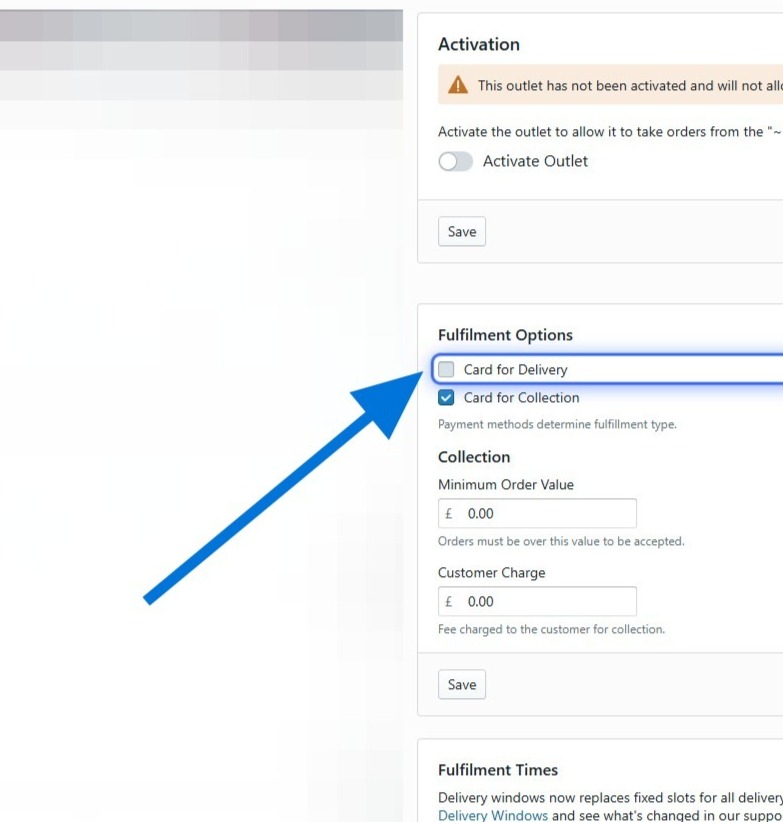
- Tick or untick the fulfilment options you want — for example, turn off collection to take delivery only.
- Click Save — important!