All guides › Orders
🔆 Set Closed / Open
Override whether your outlet shows as open or closed.
- Go to the Redbox platform and log in.
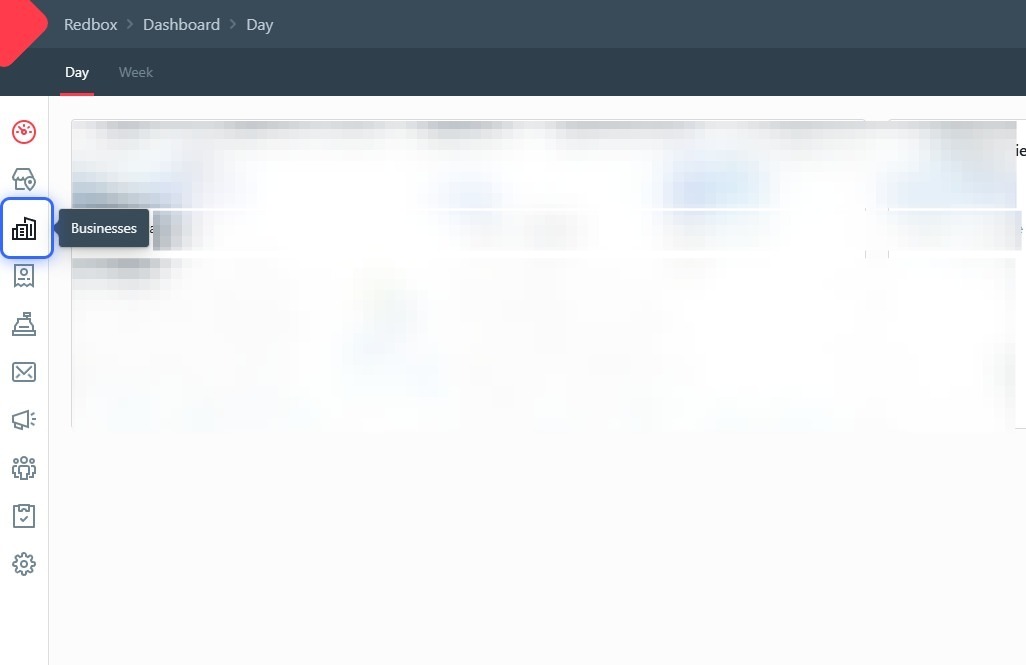
- Click Businesses.
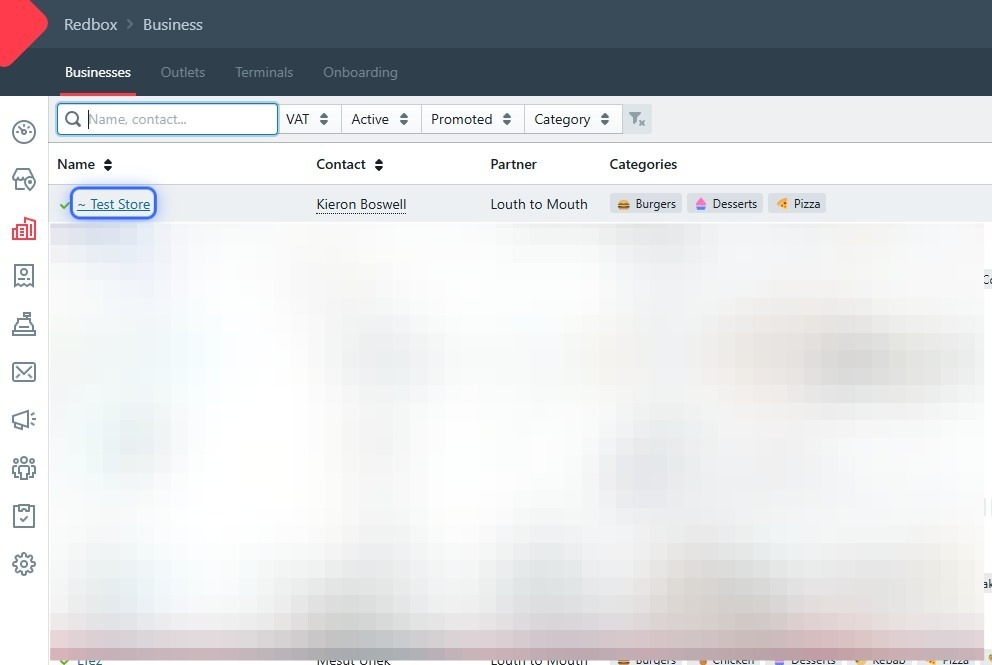
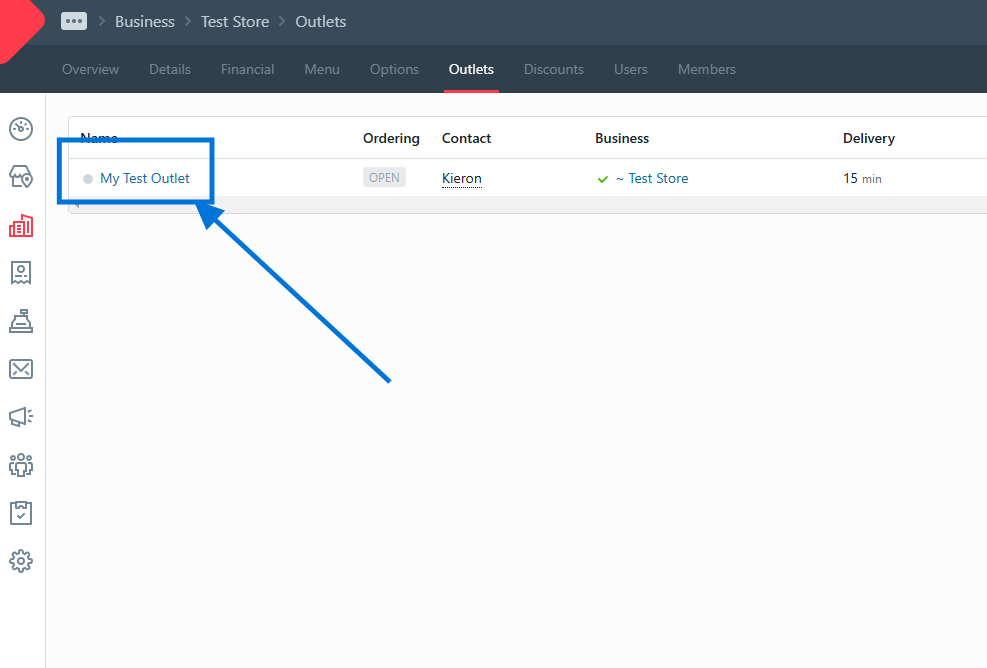
- Click your business.
- Click Outlets.
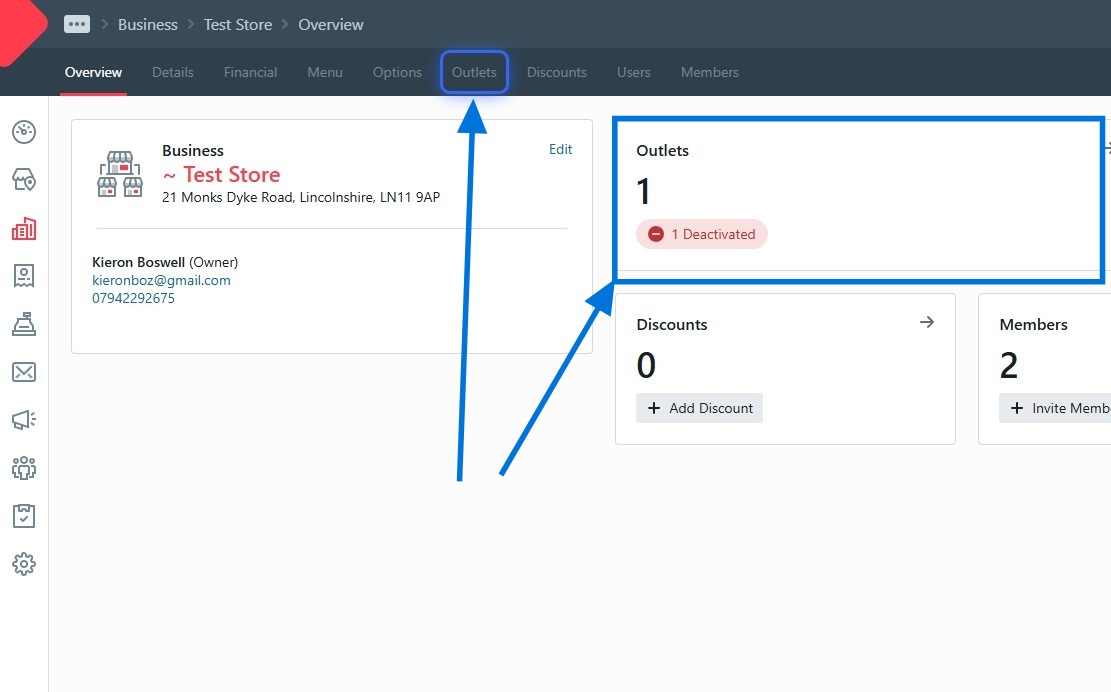
- Click your outlet.
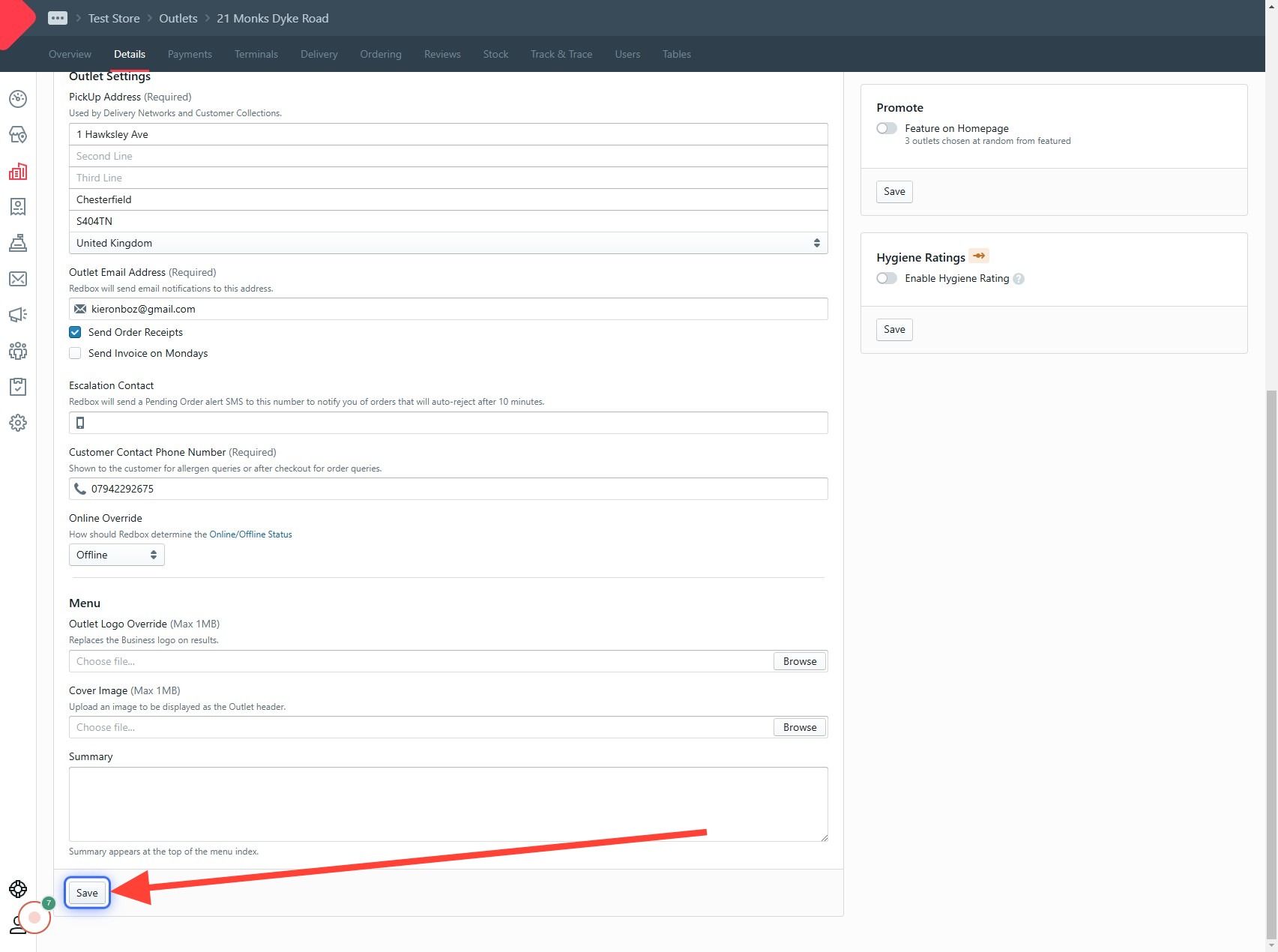
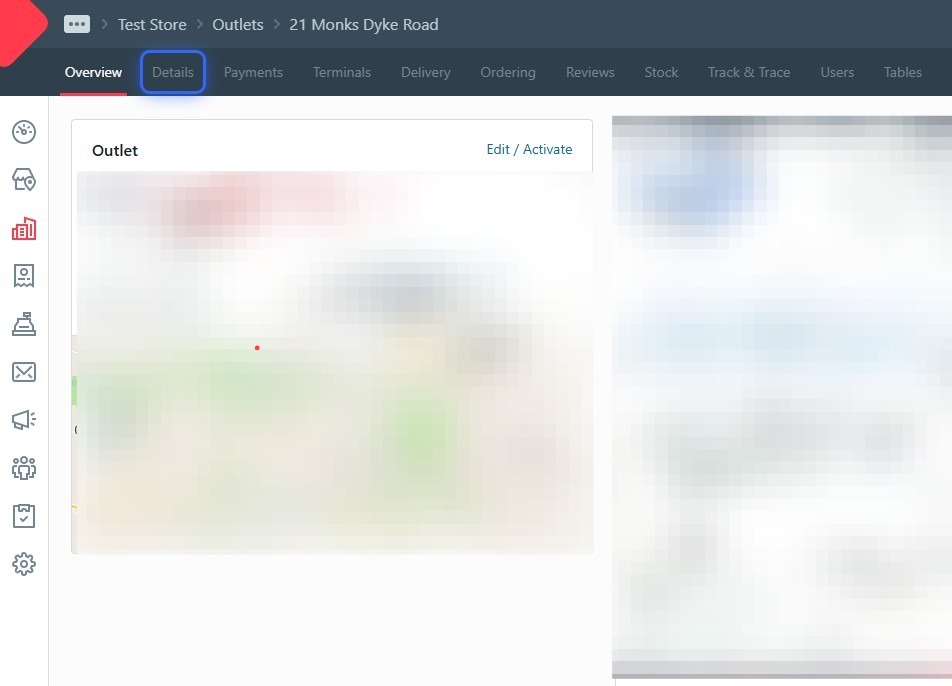
- Click the Details tab.
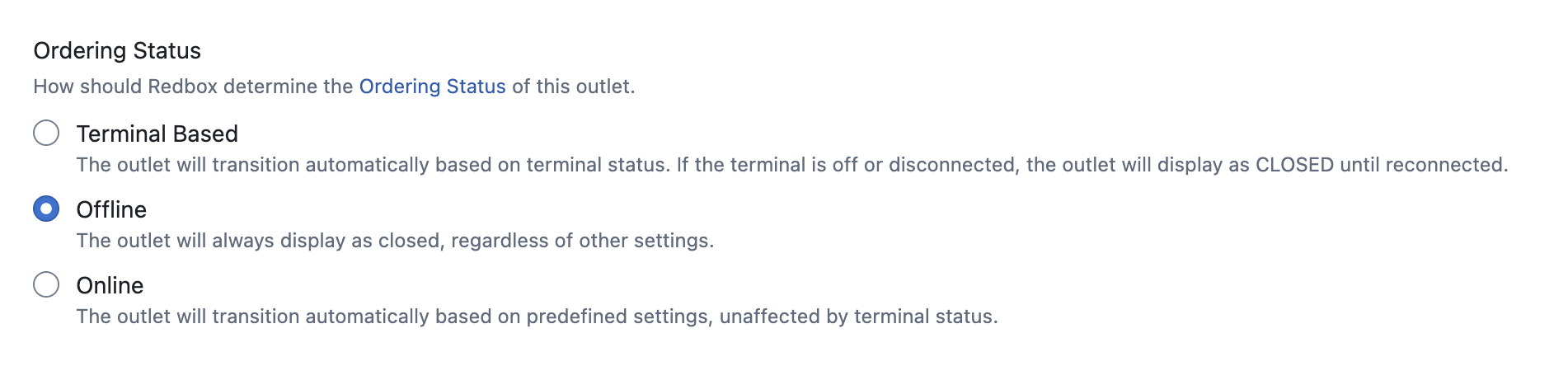
- Set your Online Override (you may need to scroll). Choose Terminal Based to be open when your terminal is on, or Offline to close.
- Click Save — important!